
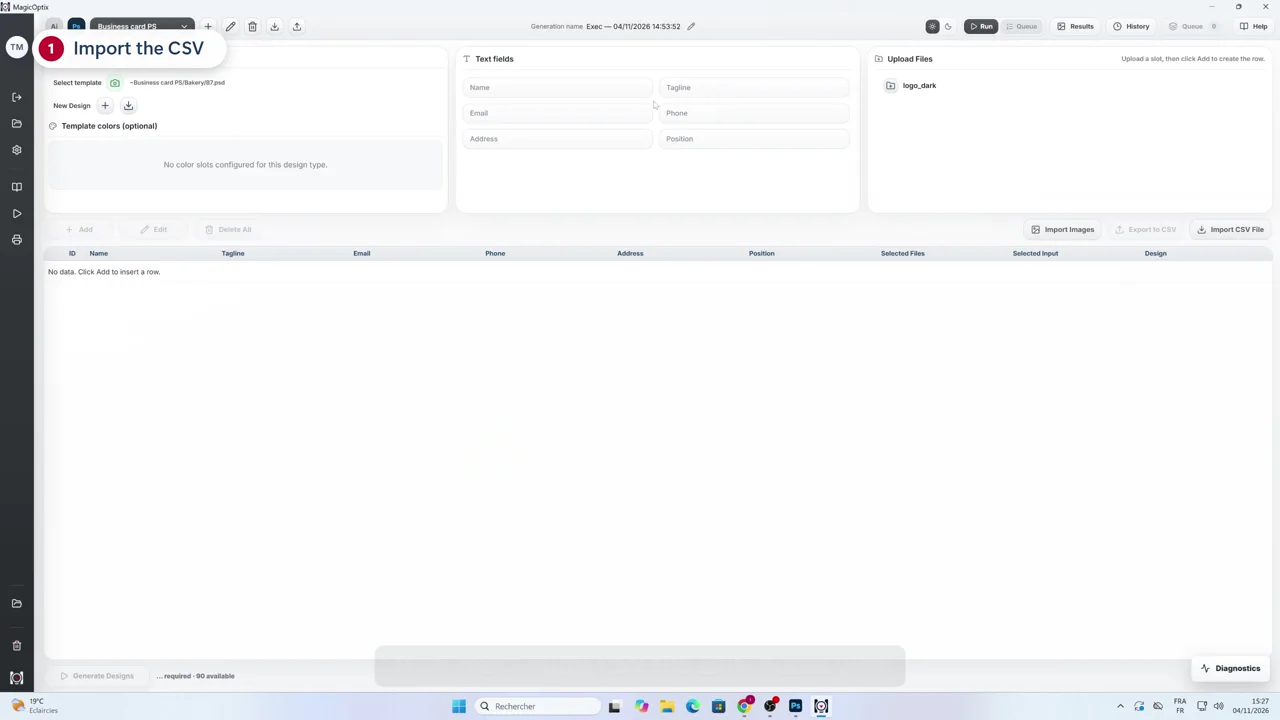
01Open the CSV
Select a template, click Save Selection and choose your file with Import CSV File.
 Enlarge ⤢
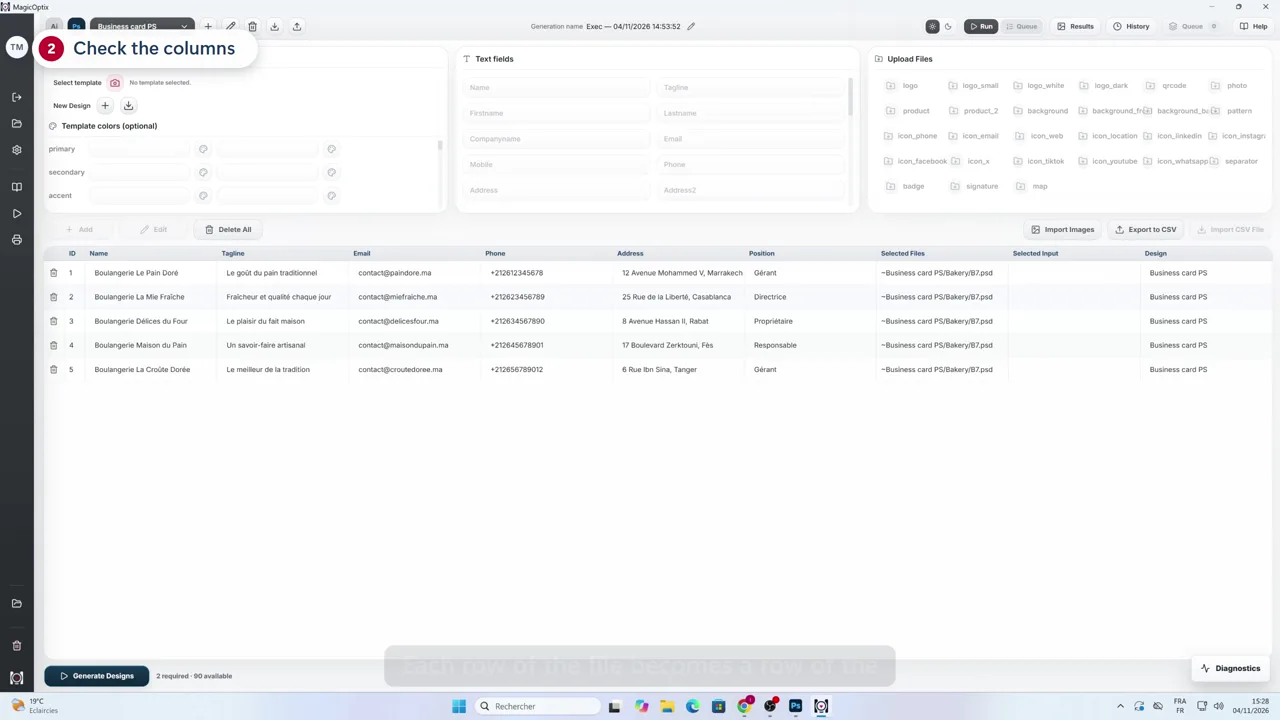
02Check columns
Review the matches between columns and fields. Click Import CSV and check that each client occupies one row.
- Column mapping
- A header describes a CSV column. Mapping Company to the Companyname field tells MagicOptix which value to use for the company name on each card.
 Enlarge ⤢
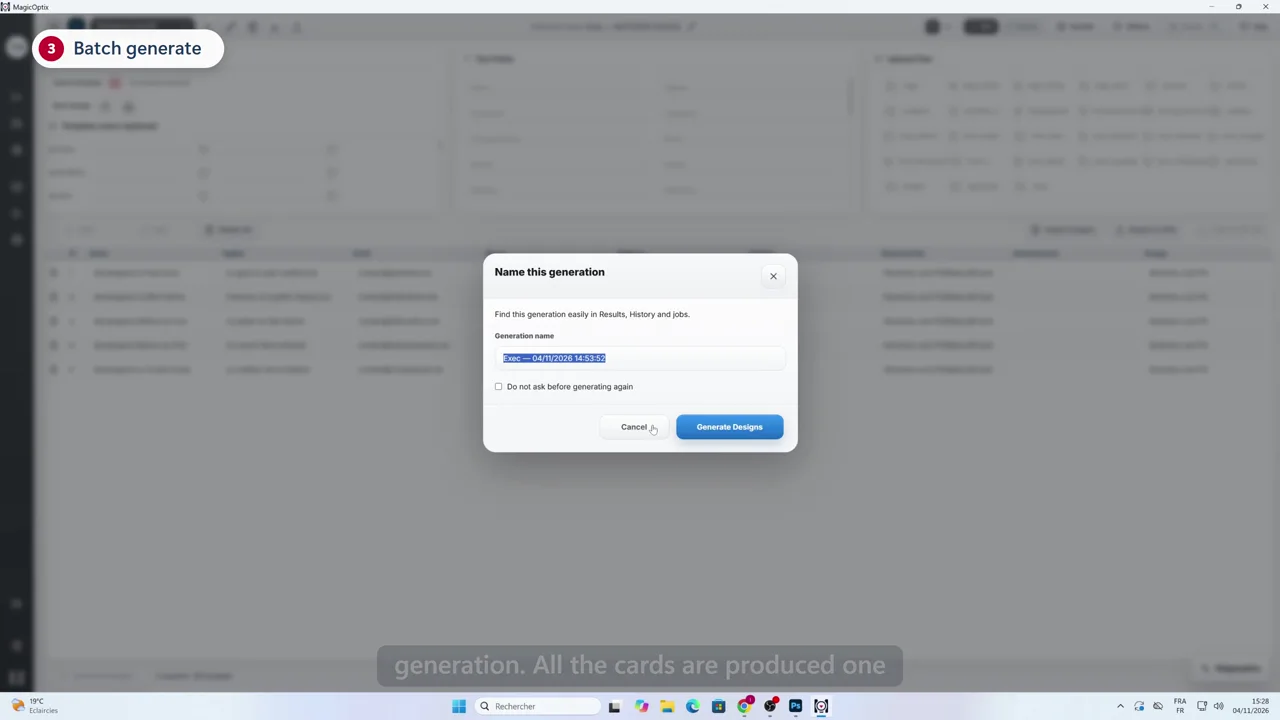
03Run the batch
Click Generate Designs and start production. Check each client’s front and back in the results center.
 Enlarge ⤢