


Data-driven production for Photoshop & Illustrator

One Adobe template. Thousands of production-ready designs.

MagicOptix combines your Photoshop or Illustrator templates with CSV data to generate editable designs, mockups, and print-ready files — locally on your computer.

Multiple templates per batchCSV and image-drivenEditable Adobe outputsProcessed locally

Prefer to explore alone? Join early access

For Windows and macOS. Requires Adobe Photoshop or Illustrator installed on the same computer.

MagicOptix
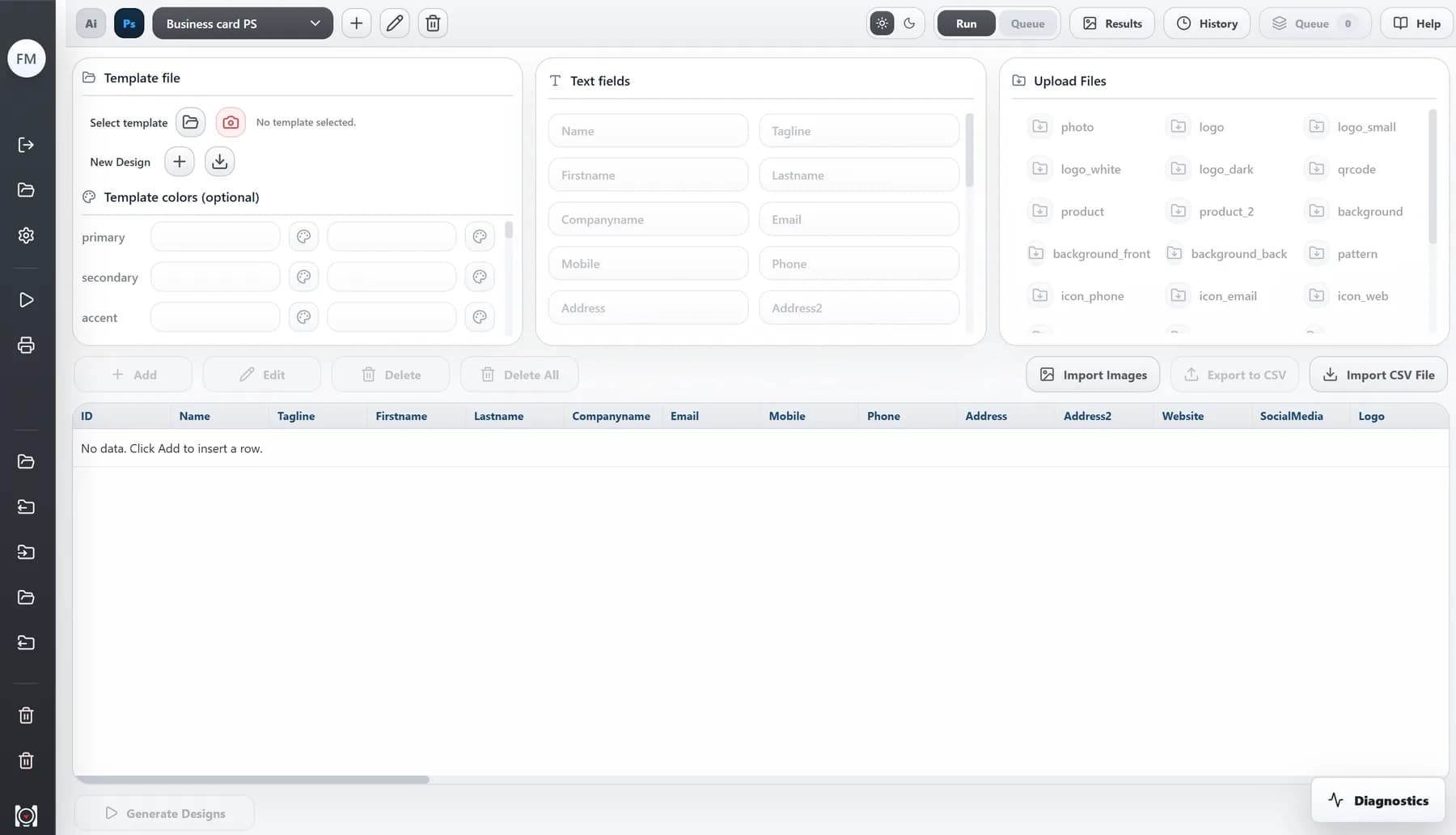
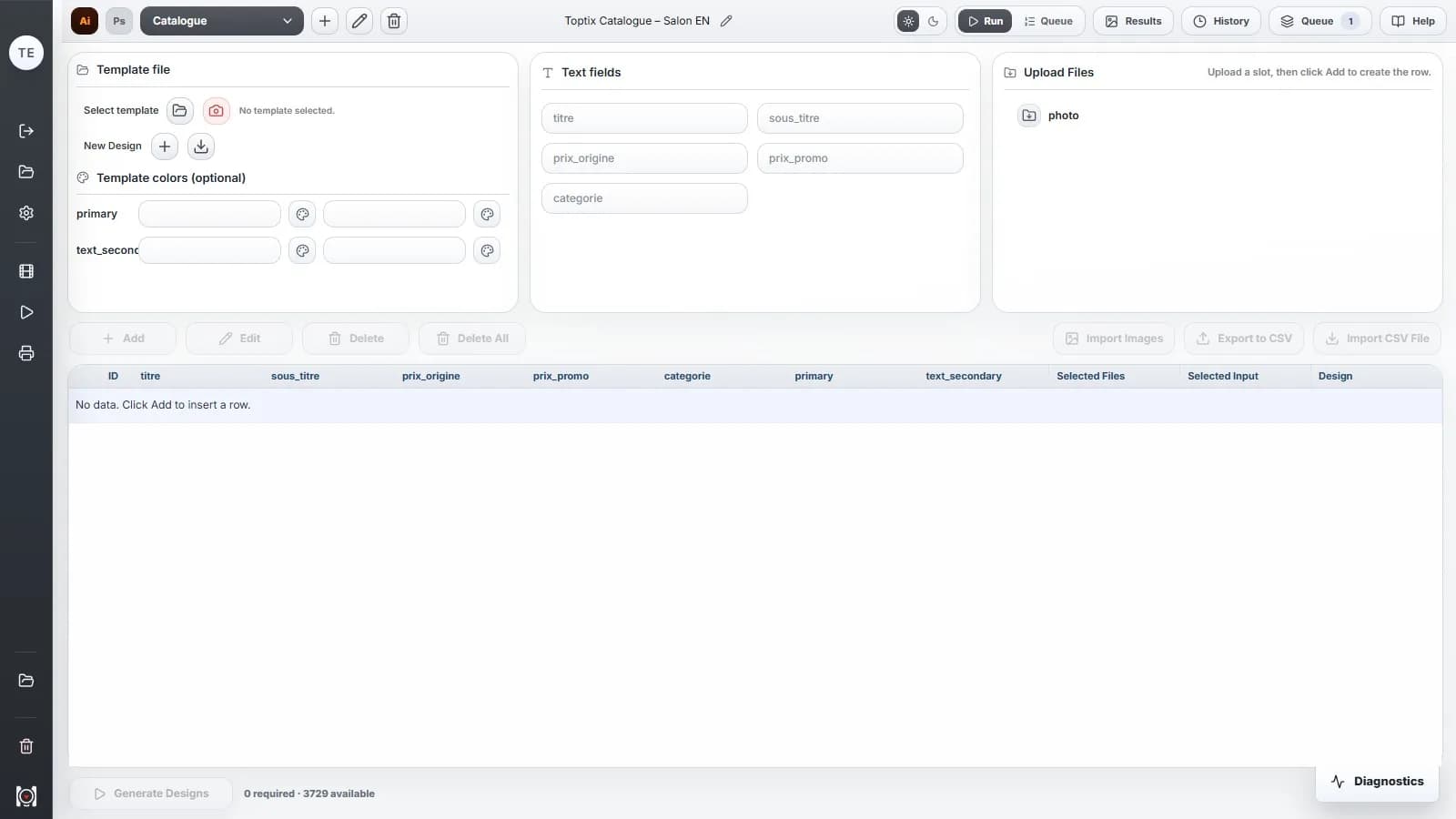
MagicOptix desktop app — Template & products
Template & productsPick the product sheet template, then import the CSV and match each photo.

Real MagicOptix screens, and the catalogue files it actually produced.

WindowsmacOSApple Silicon
The problem

Do you keep producing the same variations?

One template, your data, every variation. See what changes when your production becomes automatic.

Furniture 01 / 03

Product catalog

Turn your product list into catalog pages. One template brings together photos, references and prices, with six products per page.

Furniture · Technology · Beauty
  • Avoid retyping prices and references for every product.
  • Replace photos in batches from your imported folder.
  • Reuse the same layout for your next collections.

Illustrative example 01 / 03

Business cards

One refined identity for your entire team. Personalize your card with each team member’s name, role and contact details.

Names · Contact details · Logos
  • Avoid editing every business card by hand.
  • Keep a consistent presentation across your team.
  • Create new team members’ cards from the same template.
Villa Amara 01 / 03

Real estate listings

House, villa or apartment: create your listings from one template. Photos, prices, floor areas and property details update for every home.

Photos · Prices · Floor areas · Features
  • Avoid rebuilding a listing for every property.
  • Link photos to the different image slots in your template.
  • Regenerate your listings with updated prices and details.
Have my workflow reviewed
HOW IT WORKS

One template. Your data.
All your variations.

Design once. Let MagicOptix handle the variations.

01Your template

Start with your design.

Choose your Photoshop or Illustrator file. Keep your layout and select the text and images to replace.

02Your data and photos

Add what changes.

Import your CSV table for names, prices and other data, then a photo folder into MagicOptix. Link these contents to the elements in your template.

03Your variations

Run. You’re ready.

MagicOptix generates your variations. Review the results and collect your editable files and exports.

MORE THAN VARIATIONS

Your entire Adobe production.
One space to stay in control.

Find your designs, connect your tools and manage your batches. Keep your work organized, from one production run to the next.

Prepared by the designer. Reused by the team.

The designer prepares the templates and mappings once. The team then imports new data and photos, launches batches and reviews the results.

Use cases

Print shops & design studios

From one approved Photoshop design, produce each team member's card, the client mockup and the press-ready sheet.

Step 01

Select the templates. Pick the approved front and back business card templates in Photoshop.

MagicOptix workflow
Step 1 of 4
MagicOptix desktop app — Select the templates
Production impact

120 employees × front and back = 240 card designs with client mockups and imposed print sheets from one data file.

Card frontsCard backsMockupsPrint sheets

Product trust

Local desktop execution

Your Photoshop and Illustrator files never leave your machine — MagicOptix runs locally, using the Adobe apps you already have installed.

Customer portal

Manage your plan, billing, and devices from one account — no support ticket required for routine changes.

No hardware fingerprinting — ever.

MagicOptix never collects your MAC address or a device fingerprint. Devices are identified by a random ID generated at install, nothing tied to your hardware.

Your free assessment

Could your repetitive design work be automated?

Tell us what you produce in a few clicks. We will help you understand what MagicOptix could automate, free of charge.

  1. Select the visuals you produce.
  2. We review your needs and reply by email within 24 business hours.
  3. You receive a clear recommendation and the next steps for your project.
Faical Mezzour
Faical Mezzour

Founder, MagicOptix

I will personally review your request.

What do you produce?

Free. No obligation. Reply within 24 business hours.

Pricing

Start free.
Scale when it works.

Prove the workflow on one real template — free. Then choose the level that matches your production rhythm. 1 credit = 1 successful personalized generation, all export formats included: one Design row × template, one final Compose composition, or one final Print generation.

Freemium

The first step

€0forever

Test the entire workflow on your own templates, without spending a cent.

Credits100 lifetime credits
Design libraryUp to 100 designs included
Devices1

Personal template imports are unlimited.

Desktop production access
Compose & Print workflows
History & results center
CSV & image import — no fixed limits
Batch Queue
Priority support
Custom rollout options

Starter

Solo production

€57.50/ month
Billed €690 per yearSave €138 per year

For independent production with more monthly capacity.

Credits750 credits/month
Design libraryUp to 100 designs included
Devices1

Personal template imports are unlimited.

Desktop production access
Compose & Print workflows
History & results center
CSV & image import
Batch Queue
Priority support
Custom rollout options
Recommended

Pro

The studio standard

€124.17/ month
Billed €1,490 per yearSave €298 per year

For teams producing every week—Batch Queue, three devices and serious throughput.

Credits2,000 credits/month
Design libraryUp to 100 designs included
Devices3

Personal template imports are unlimited.

Desktop production access
Compose & Print workflows
History & results center
CSV & image import
Batch Queue
Priority support
Custom rollout options

Enterprise

At full scale

€207.50/ month
Billed €2,490 per yearSave €498 per year

For production at scale—six devices, priority support and tailored rollout.

Credits4,000 credits/month
Design libraryUp to 100 designs included
Devices6

Personal template imports are unlimited.

Desktop production access
Compose & Print workflows
History & results center
CSV & image import
Batch Queue
Priority support
Custom rollout options
No card to startCancel anytimeYour files, foreverChange plans freelyRuns on your desktop — templates never leave your machine

Payments and invoicing are handled by Lemon Squeezy, our authorized reseller and merchant of record. Refund policy

A broader setup in mind? Request a custom quote

Optional onboarding service

Guided Workflow Launch

For teams that want their first MagicOptix workflow configured, validated, and ready to use with real Adobe files — a hands-on onboarding service, separate from your subscription.

  • First real workflow configured and validated
  • One Adobe template reviewed, one data source connected
  • Desktop, license, and device activation
  • One onboarding session included
  • Priority support for the first 30 days
FAQ

The essentials before you get started.

Will this work with our existing Photoshop or Illustrator files?

That depends on how the files are structured. MagicOptix is strongest when templates are stable enough to map text, images, colors, and output logic. The Workflow Fit Review checks this before a rollout.

Can we start with one workflow only?

Yes. That is the recommended path: validate MagicOptix on one real, repeatable workflow, measure the value, then expand only when the first use case works.

Can outputs stay editable?

Yes. MagicOptix works with real Photoshop and Illustrator files, so supported PSD and AI outputs can remain part of an editable Adobe workflow instead of ending as flattened generated images.

Why credits instead of a flat per-file price?

One credit equals one successful personalized generation: one data row applied to one design template, one final Compose composition, or one final Print generation. For example, 100 rows applied to two templates require 200 credits, while routing each row to only one template requires 100. PDF, PNG, JPG, PSD or AI exports, pages, and multiple artboards are included and are never charged separately.

Does MagicOptix work without an internet connection?

Partially. During a short connection interruption, you can continue browsing the workspace and preparing a production. Starting or resuming a Design, Compose, Print, or batch production requires an internet connection so MagicOptix can verify access and reserve the required credits.

What happens if the connection drops during a generation?

A production that was already verified and started can finish normally. Its successful results are recorded locally and the final credit consumption is synchronized when the connection returns.

Looking for details about setup, credits, Offline mode, or workflow reviews?

View the complete FAQ

Find out if your workflow is worth automating.

Tell us what you produce in a few clicks. We will help you understand what MagicOptix could automate, free of charge.