
01Prepare a batch
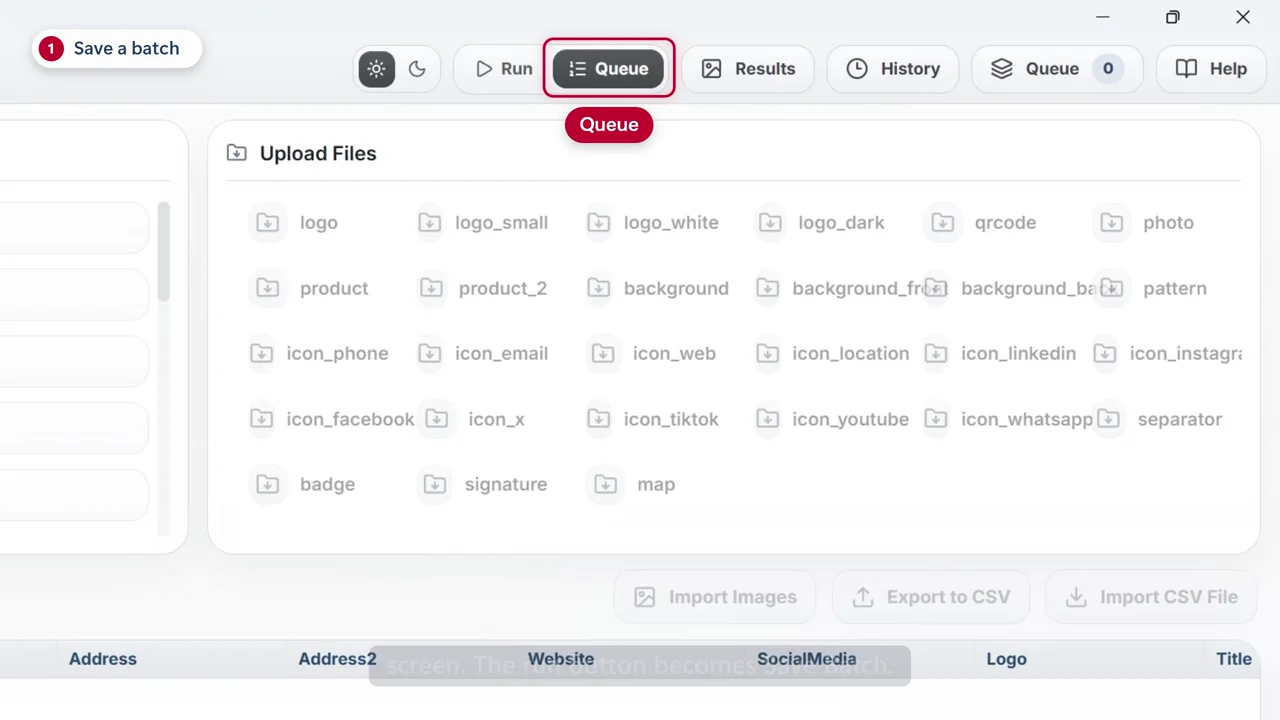
Switch to Queue mode. Select a template and import the CSV and images. Click Save Batch and confirm.
- Production batch
- A batch groups the jobs the queue will run. Three client rows with two templates selected on each produce six items, one for each client and template pair.
 Enlarge ⤢
02Start and pause
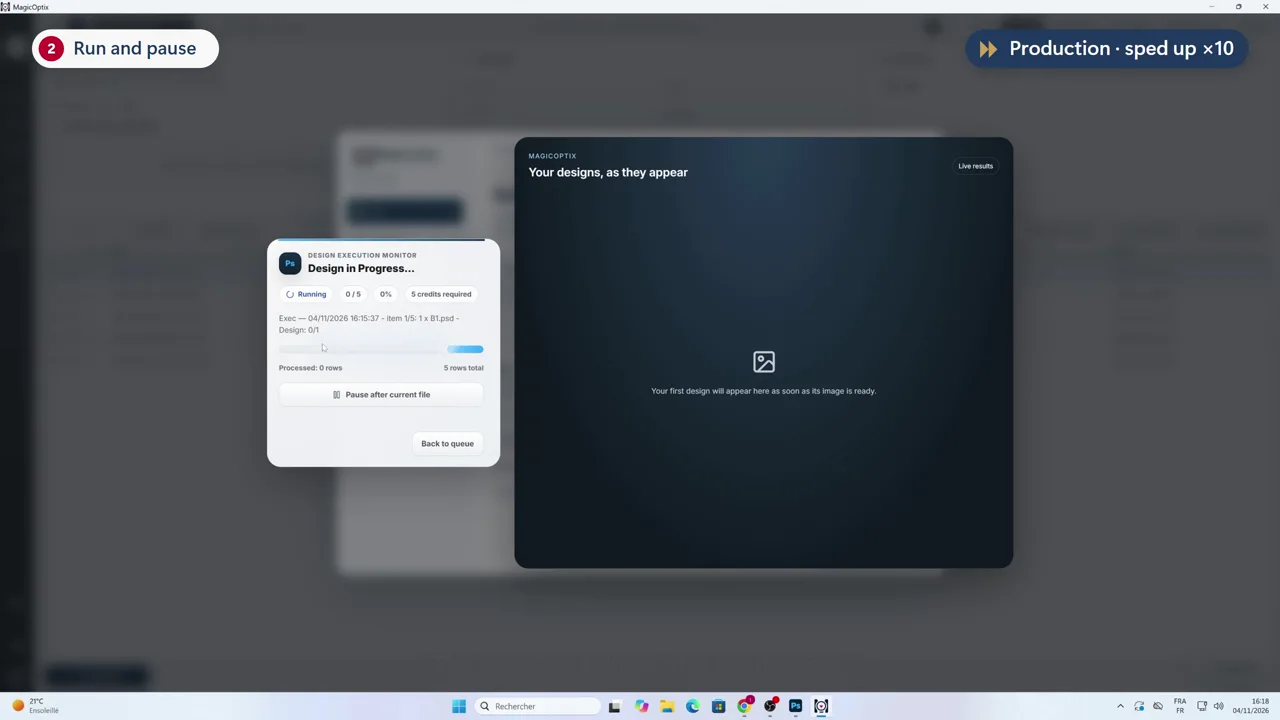
Click Run Queue and follow production in the monitor. Pause after current file stops the batch when the current file finishes.
 Enlarge ⤢
03Resume production
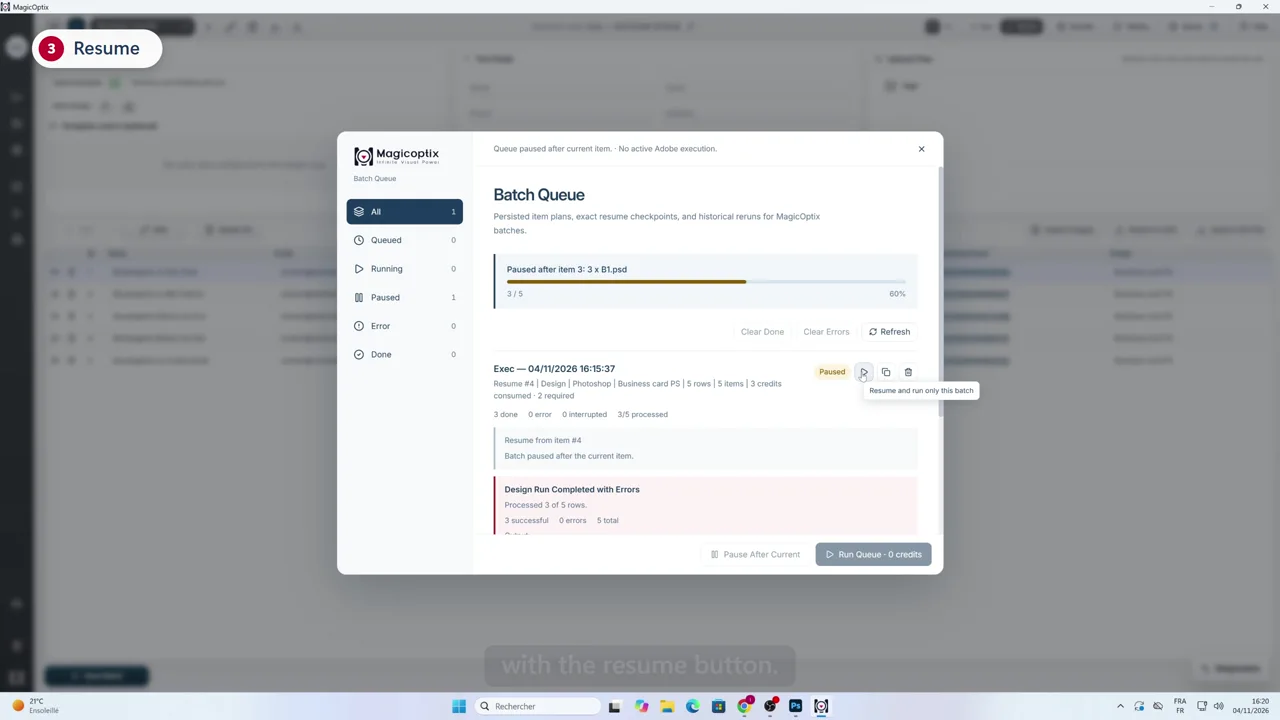
Return to the queue and click resume. Processing continues at the next file. Check for Done and inspect the results.
 Enlarge ⤢