
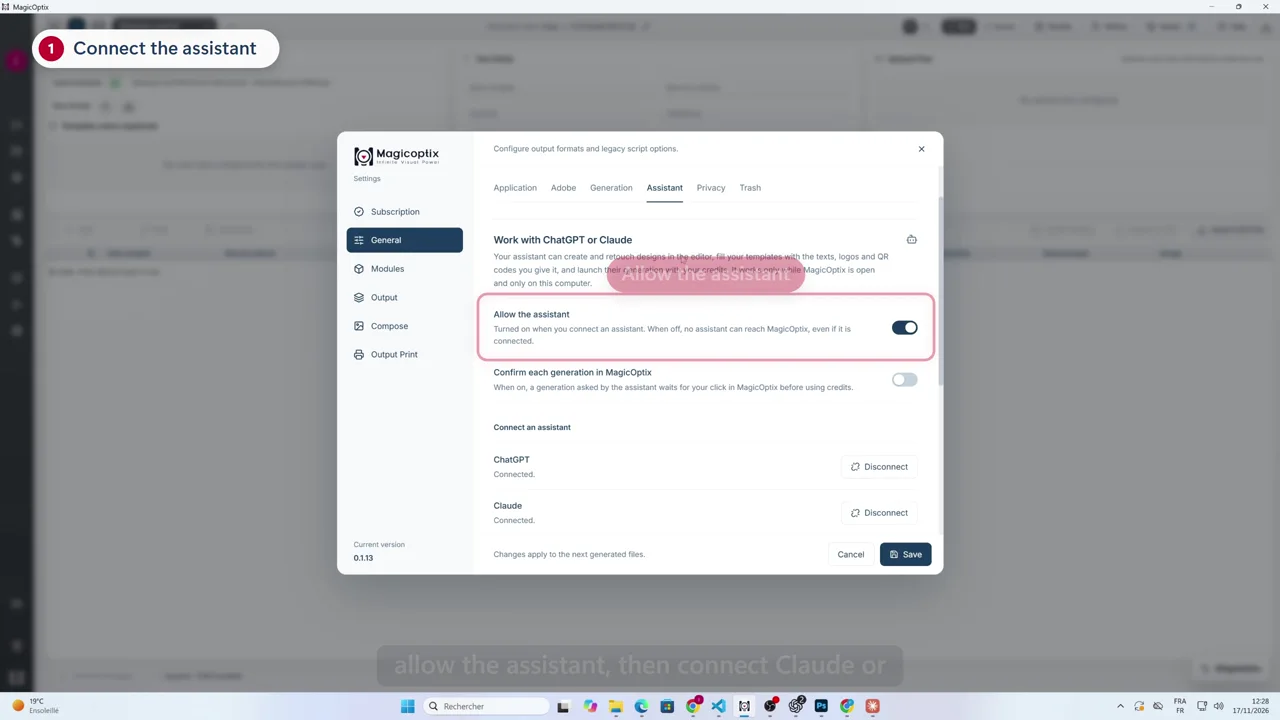
01Allow the connection
Under Settings, open Assistant, enable access and connect Claude or ChatGPT. Attach a reference card to your request in Claude.
 Enlarge ⤢
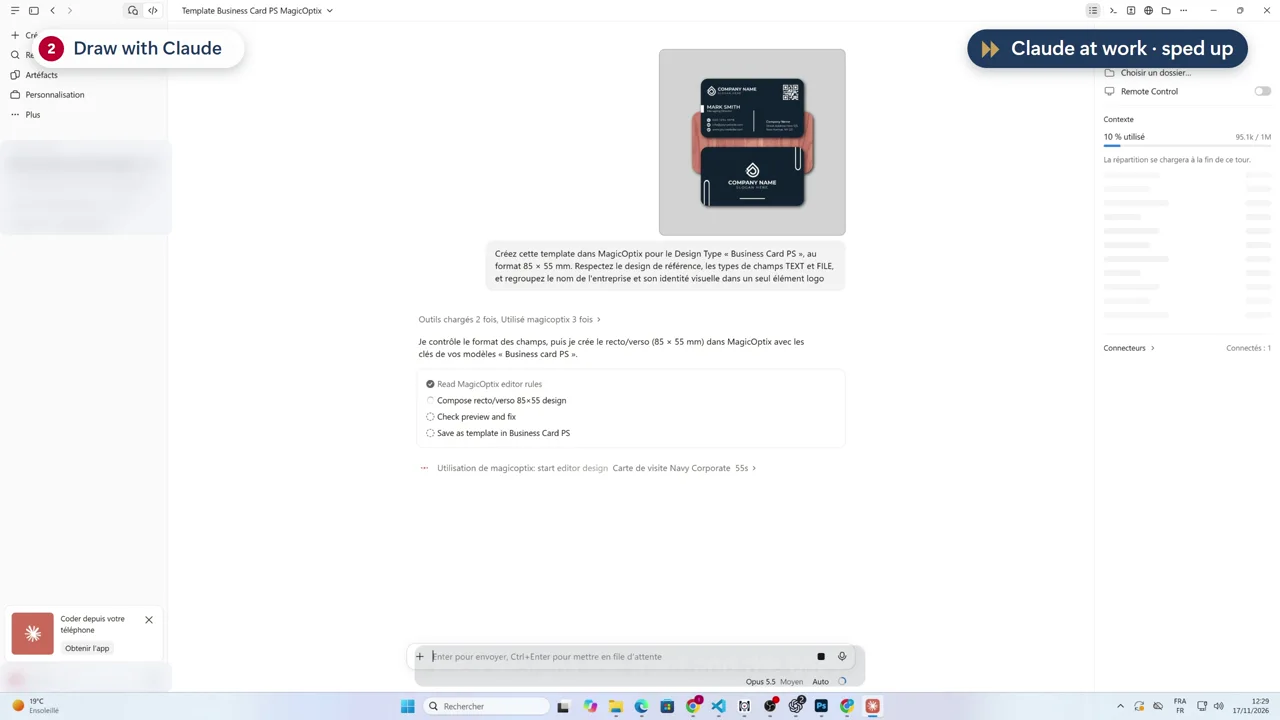
02Inspect the design
Ask Claude to create the card in MagicOptix. Review both sides and the editor’s text and image fields.
 Enlarge ⤢
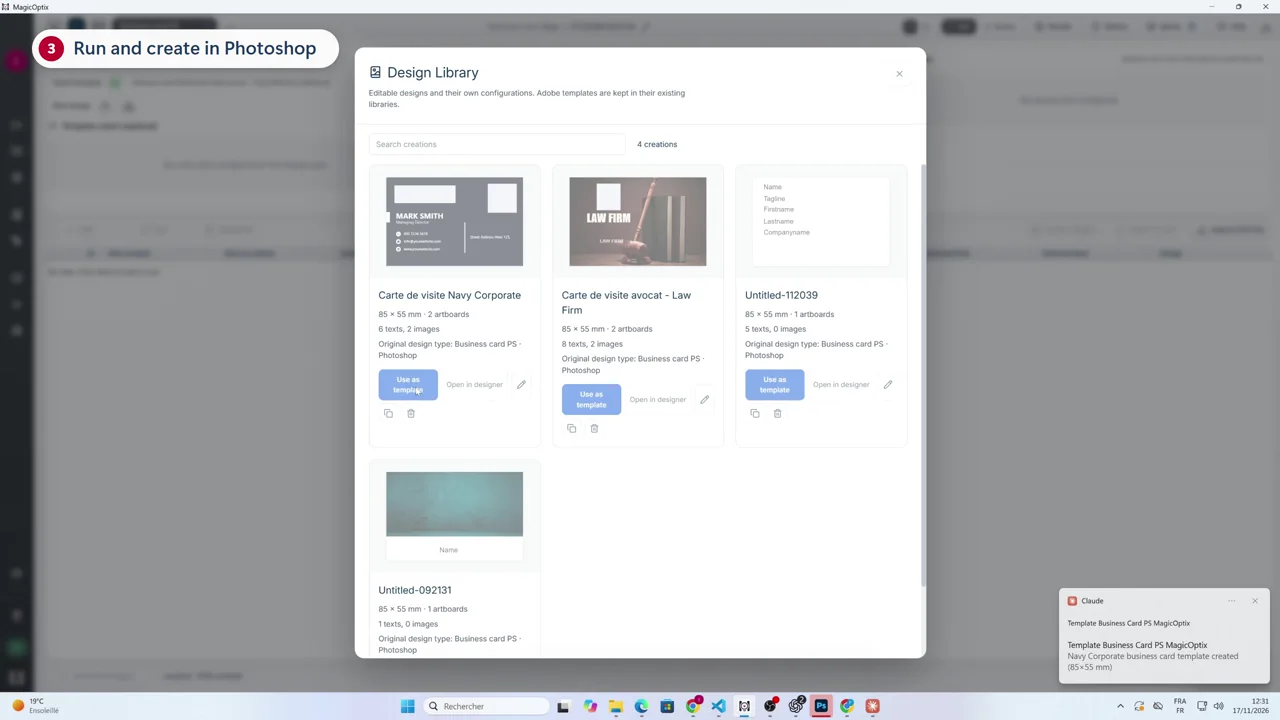
03Test a production run
In Design Library, click Use as template, fill the fields and add the logo and QR code. Generate the card and use Create in Photoshop to produce the layered template.
 Enlarge ⤢