
01Choose multiple slots
From the rows imported from your CSV, open Import Images and select Multiple Slots.
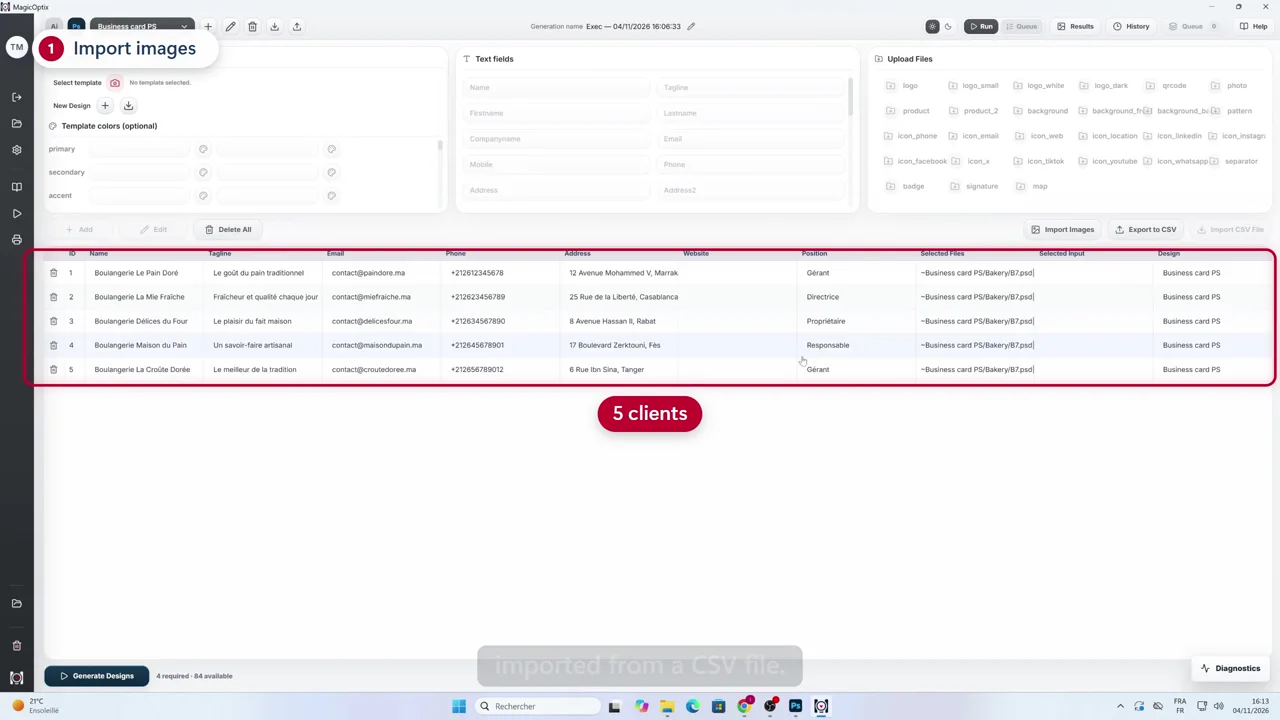 Enlarge ⤢
02Review the order
Select the images with Upload Files. Slots fill in row order. Check the assignments under Review photos.
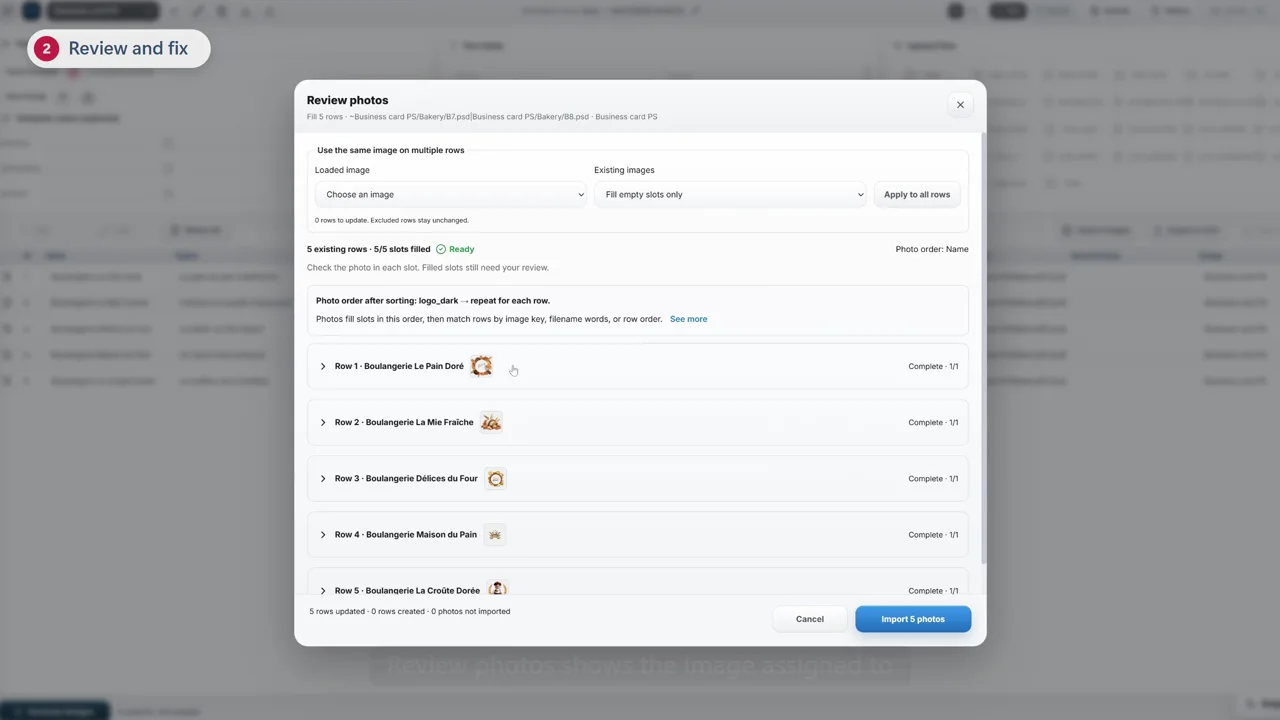 Enlarge ⤢
03Fix a match
Open the row and click Change to swap images between two rows. Import the photos to apply the logos.
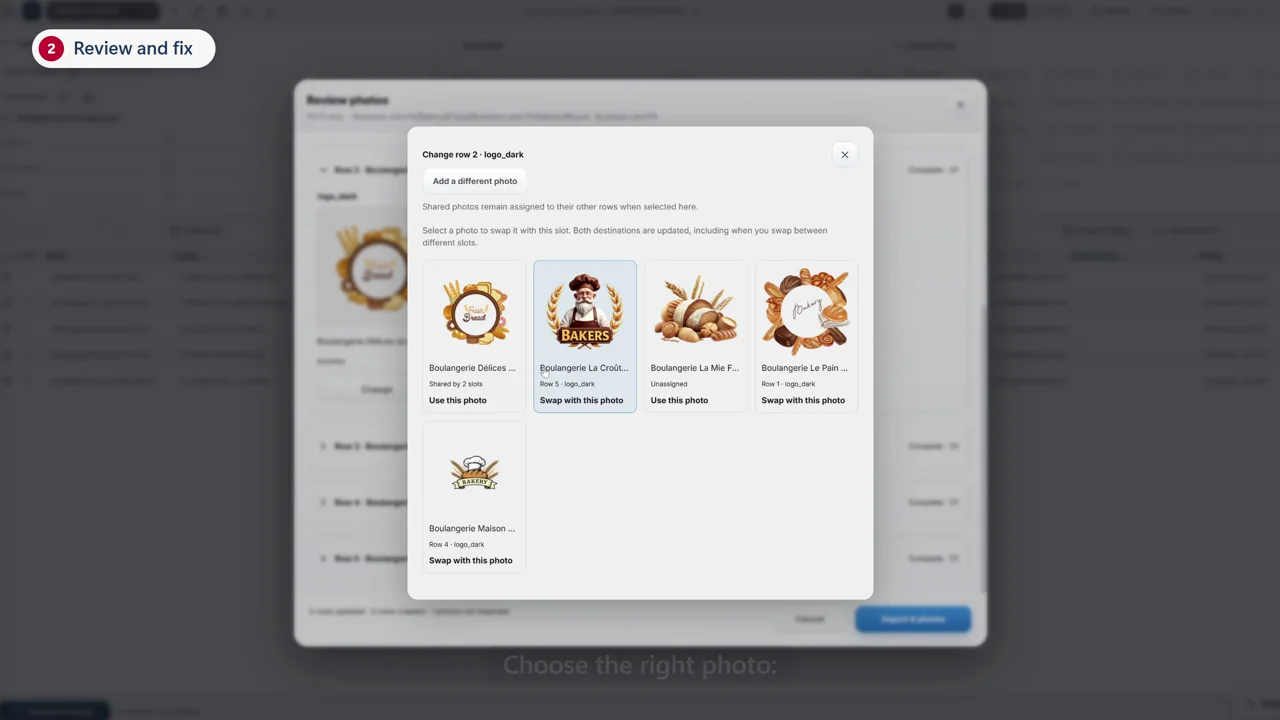 Enlarge ⤢