
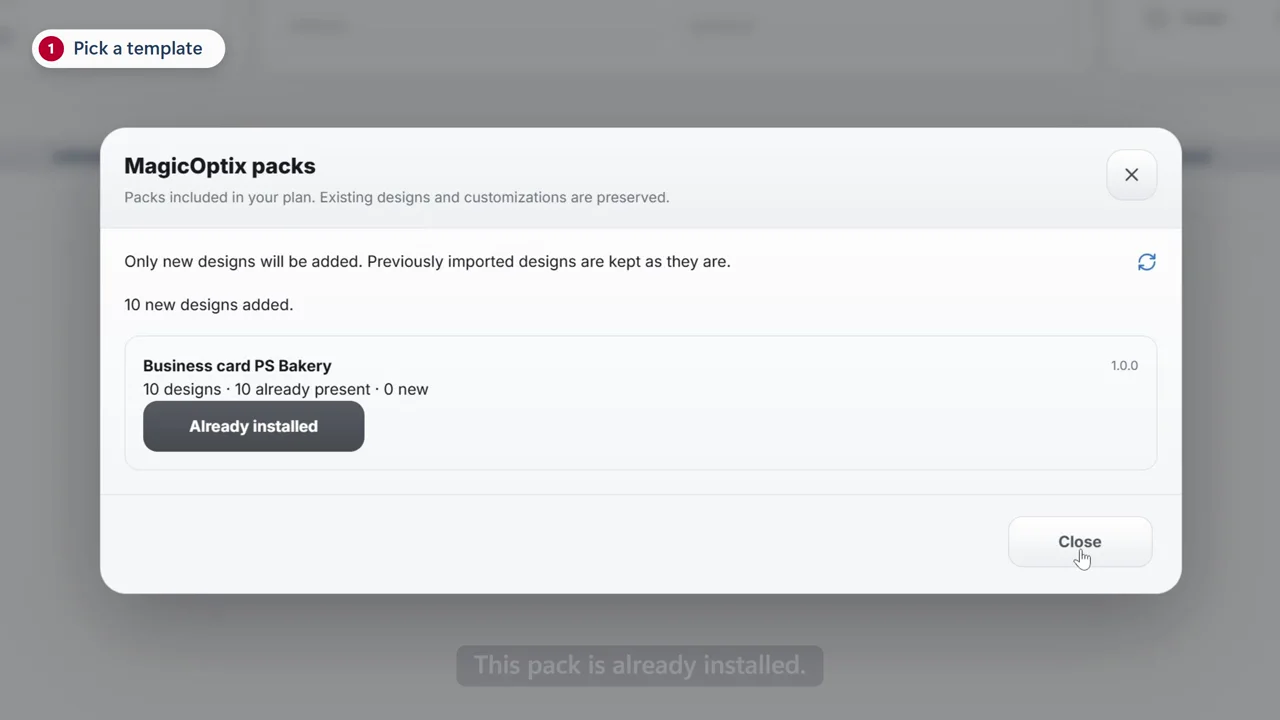
01Choose a template
Select a template from the installed pack and click Save Selection.
 Enlarge ⤢
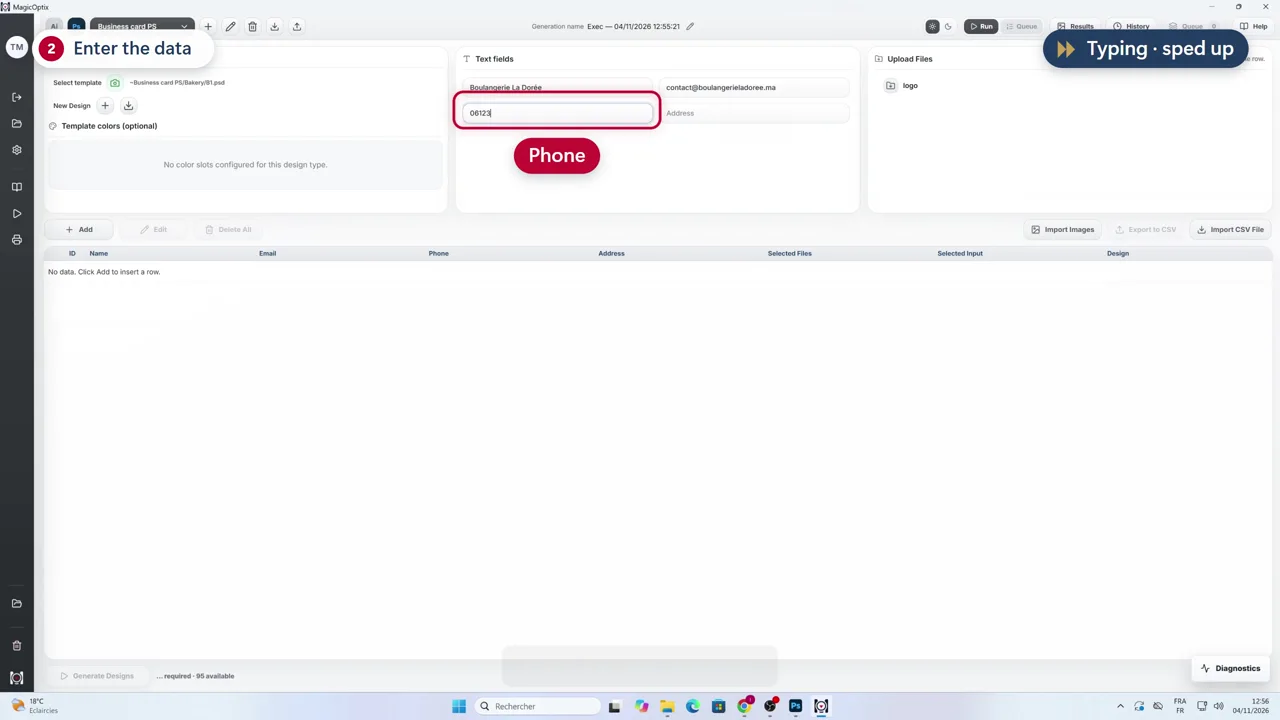
02Fill a client row
Enter the name, email, phone and address. Add the logo under Upload Files and click Add to insert the row.
 Enlarge ⤢
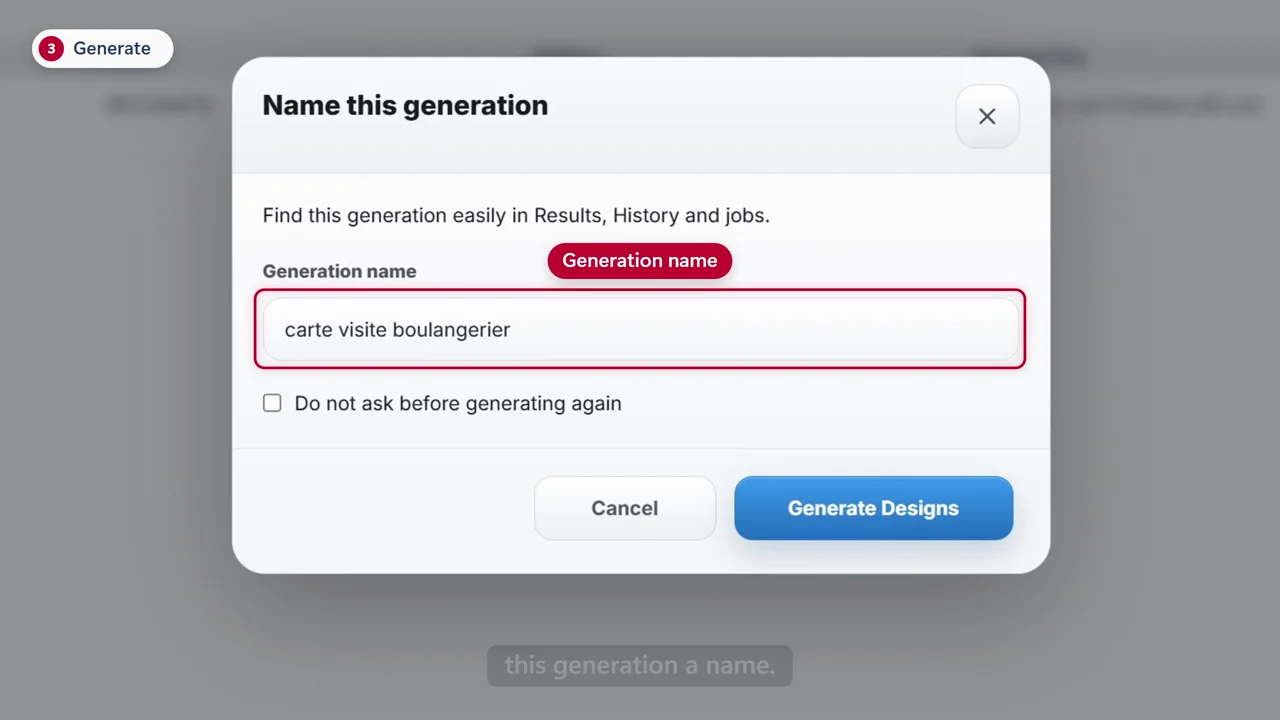
03Generate both sides
Click Generate Designs and name the run. Check the front and back in the results center.
 Enlarge ⤢