
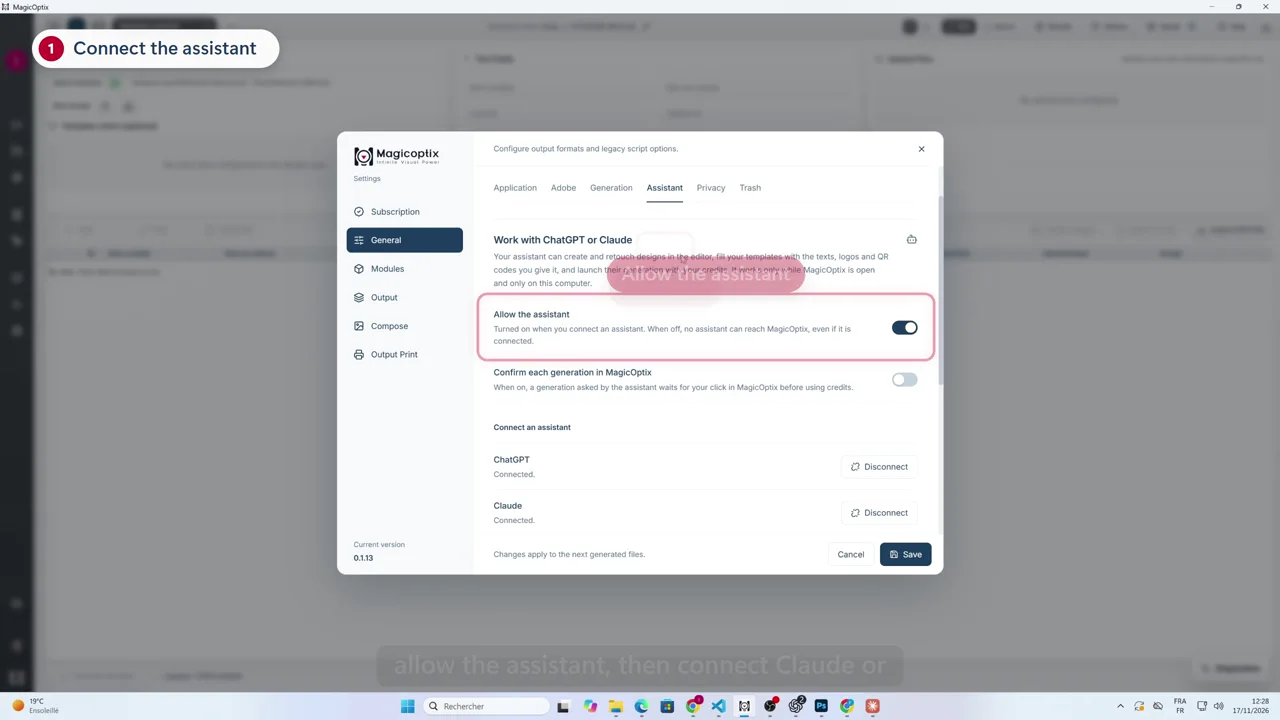
01Connect the assistant
Enable the assistant under Settings and connect Claude or ChatGPT. In the demonstration, attach a reference card to your request in Claude.
 Enlarge ⤢
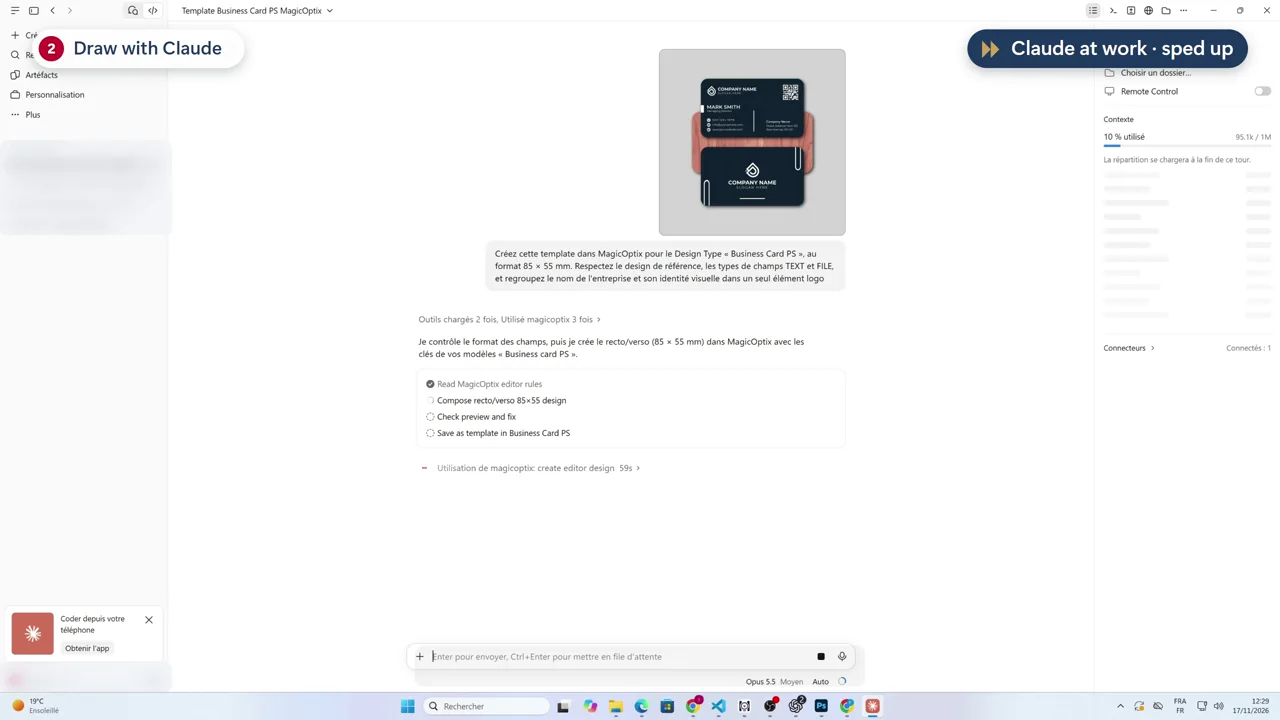
02Review both sides
Ask Claude to create the template in MagicOptix. Review the front, back and fields of the design saved in Design Library.
 Enlarge ⤢
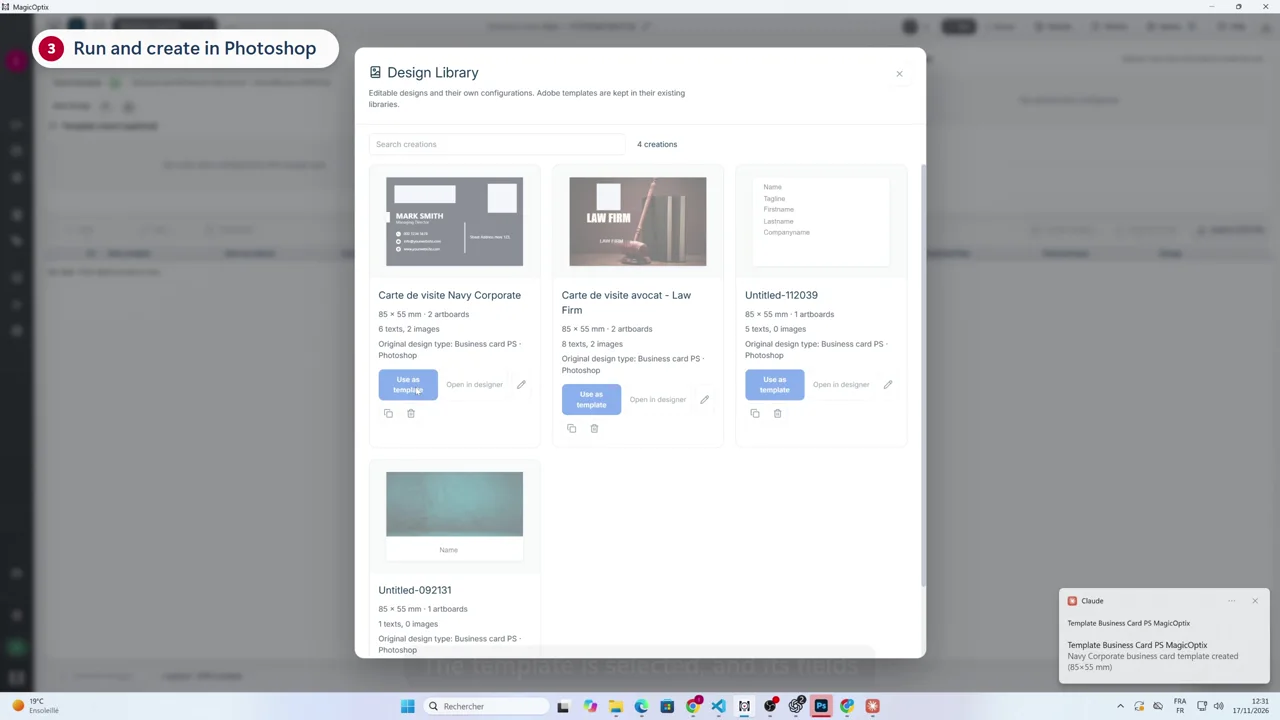
03Produce the card
Click Use as template, fill the fields, add the logo and QR code, then generate. For a PSD, reopen the editor and select Create in Photoshop.
 Enlarge ⤢