
01Set up the document
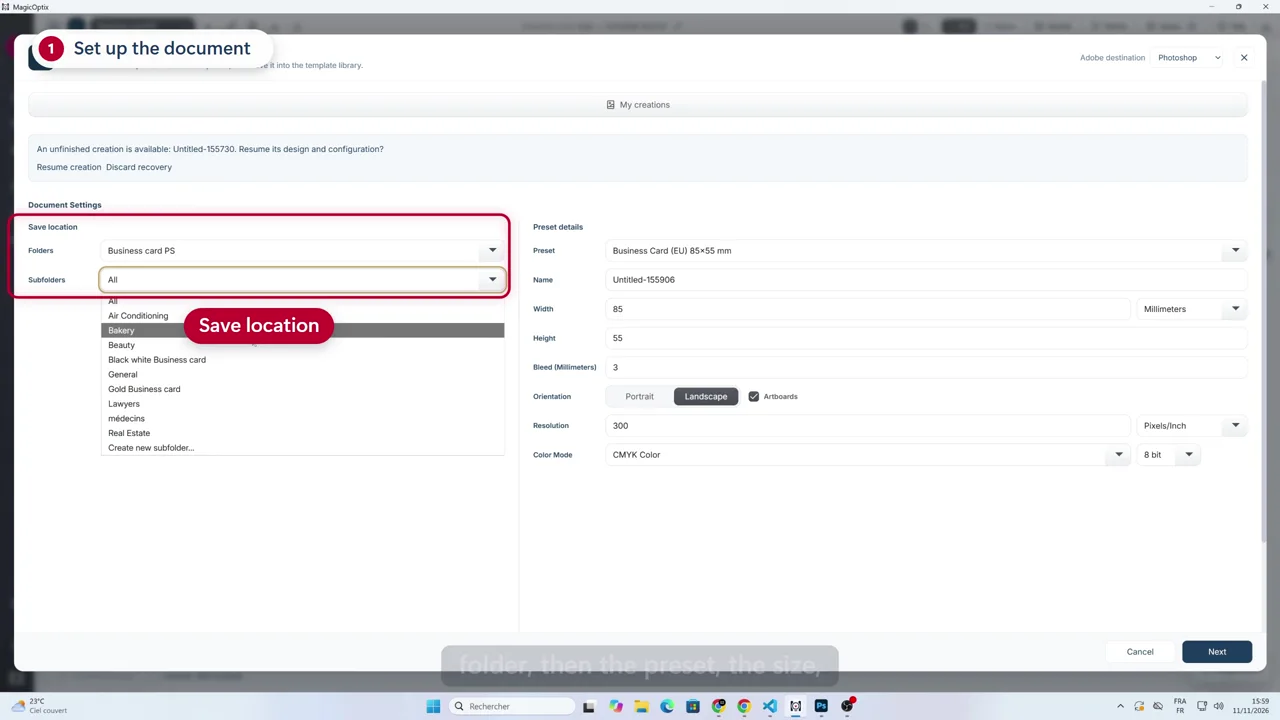
In Create New Design, select a folder, preset, size and bleed. Click Next.
- Bleed
- Bleed is the artwork extending past the cut line. An 85 × 55 mm card with 3 mm of bleed on each edge needs 91 × 61 mm of artwork. The trimmed card still measures 85 × 55 mm.
 Enlarge ⤢
02Lay out the fields
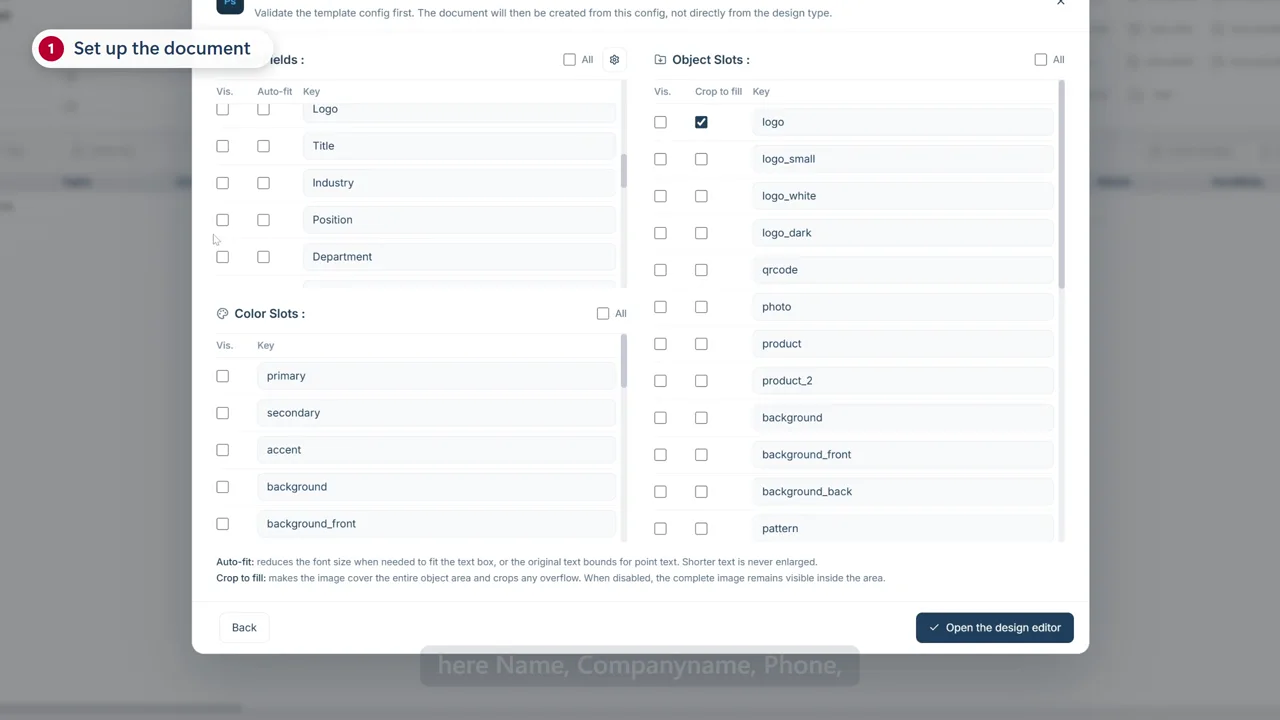
Select the text fields and logo, then open the design editor. Add a background, position and style the text, and place the icons.
 Enlarge ⤢
03Create the Photoshop document
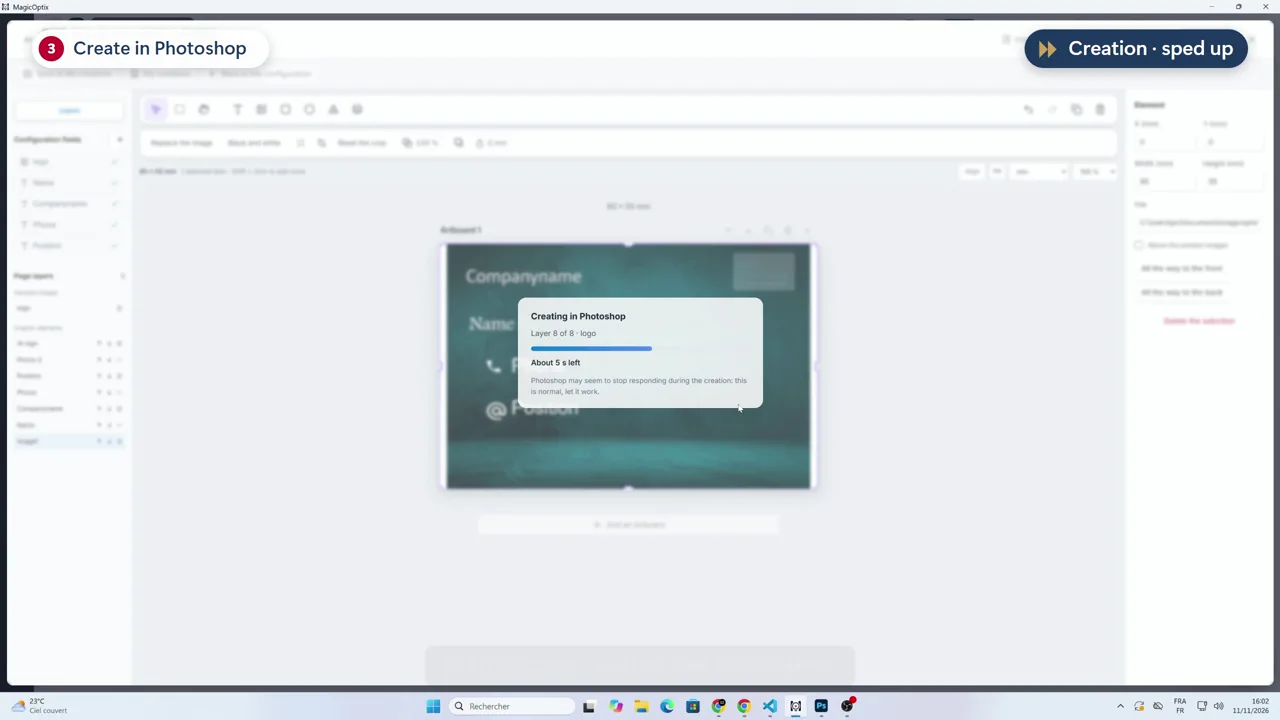
Click Create in Photoshop. The document opens in Photoshop and appears in the library. Find it under My creations to edit it later.
 Enlarge ⤢