
01Inspect the structure
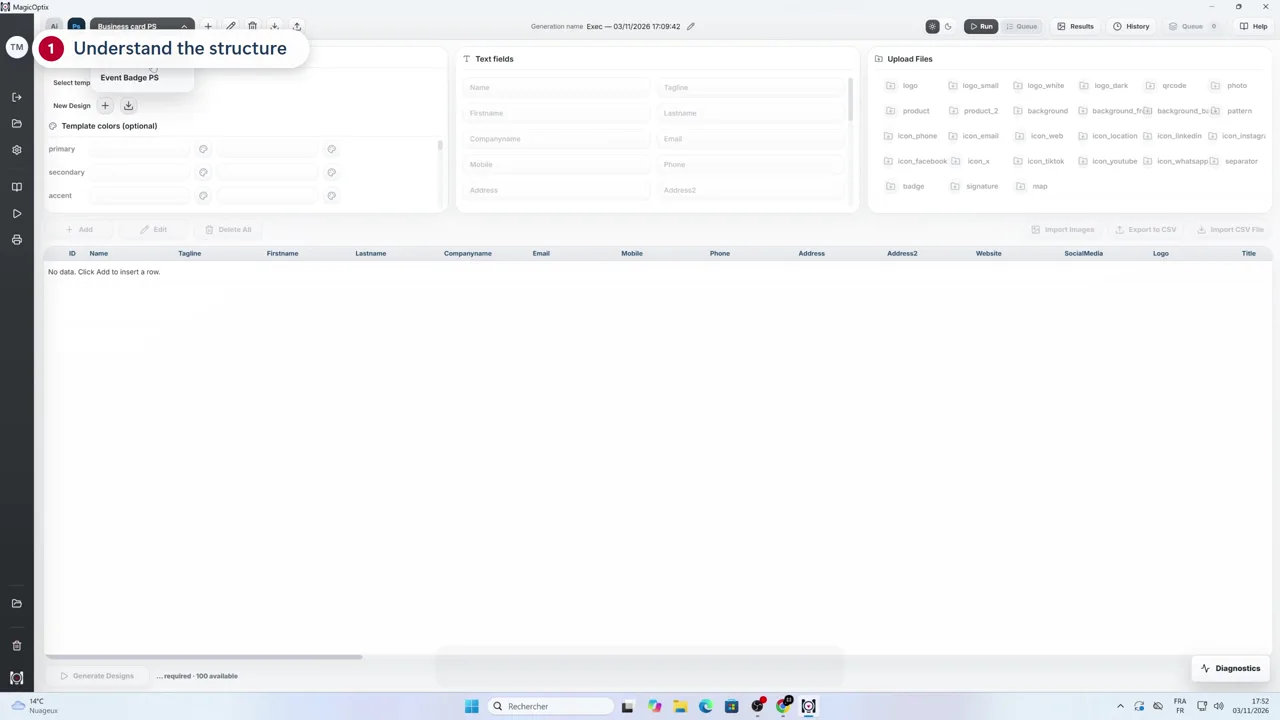
Select a Design Type and open its editor. Review the text fields, object slots and colors.
- Design Type
- For a business card, the type might define a name, a logo and a color. Several templates can share those fields and still lay them out differently.
 Enlarge ⤢
02Create a type
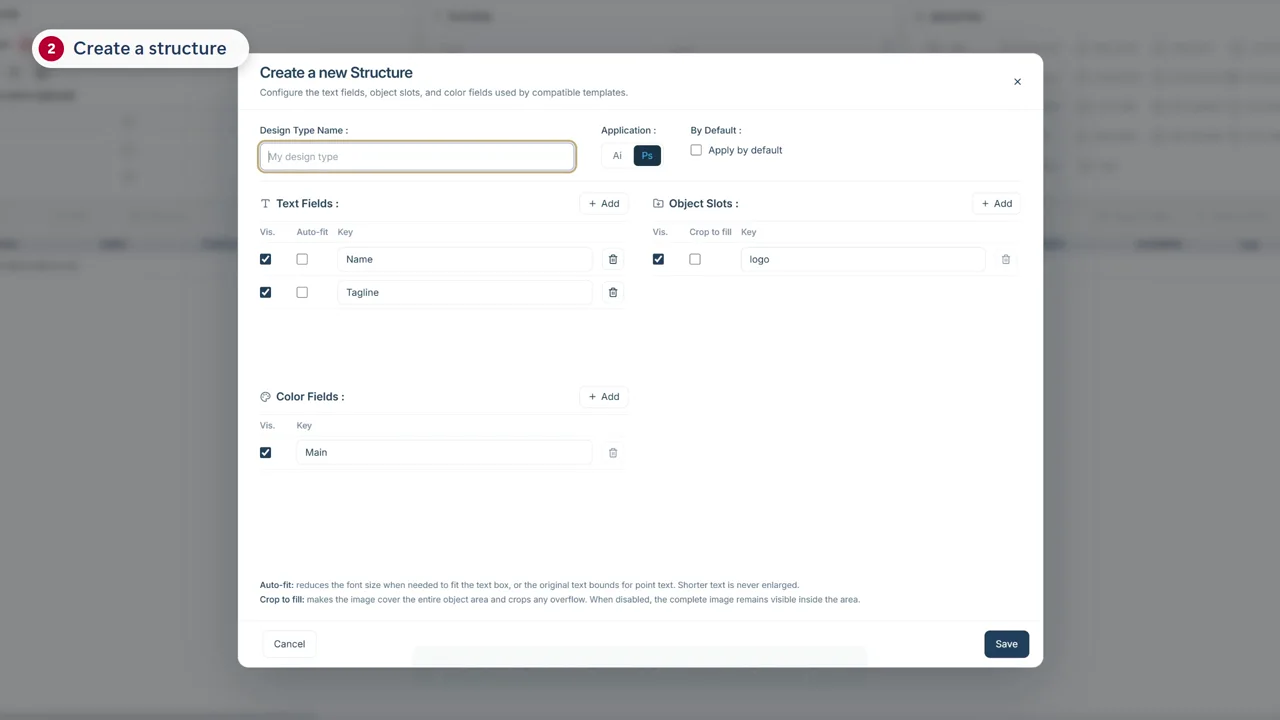
Name the structure, choose Photoshop or Illustrator and add the fields. Click Save and check the new columns in the table.
- Auto-fit
- If a long name overflows its text area, Auto-fit lets MagicOptix reduce the font size to fit the available space.
 Enlarge ⤢
03Transfer the structure
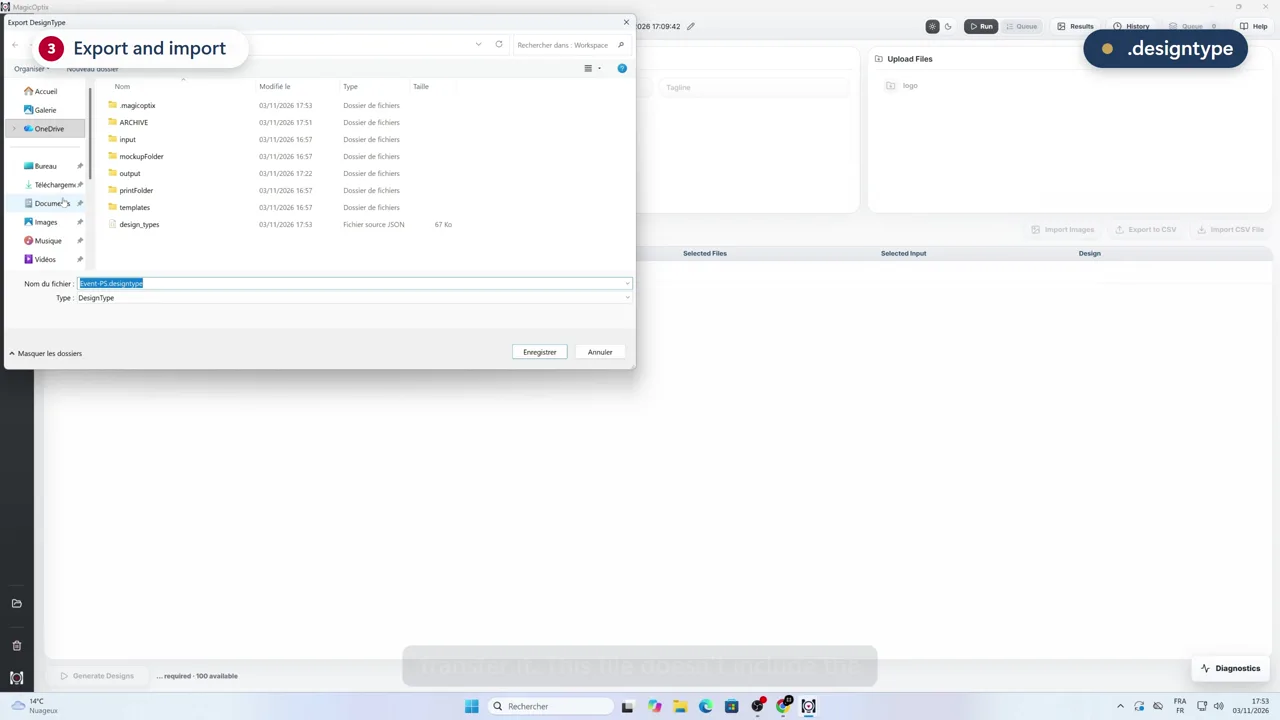
Export the designtype file and import it on the other computer. Transfer the graphic documents separately.
 Enlarge ⤢