
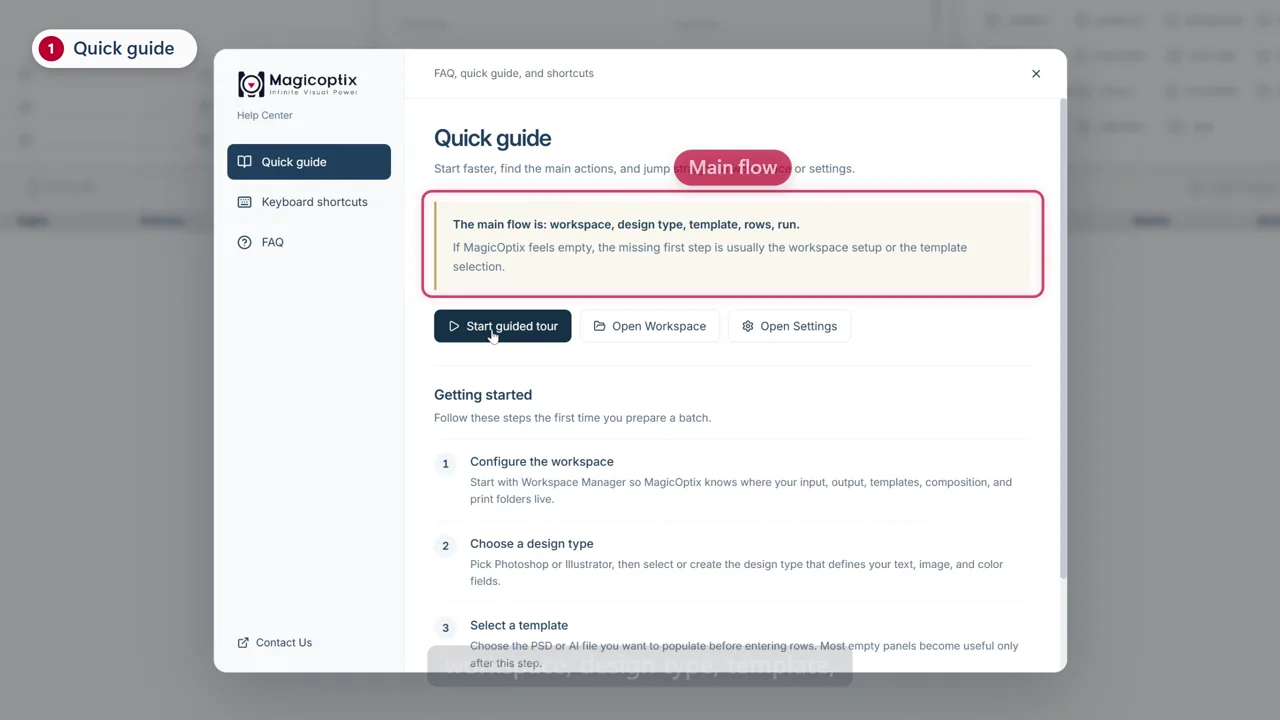
01Read the quick guide
Use the quick guide to review the sequence from workspace and design type to template, rows and run.
 Enlarge ⤢
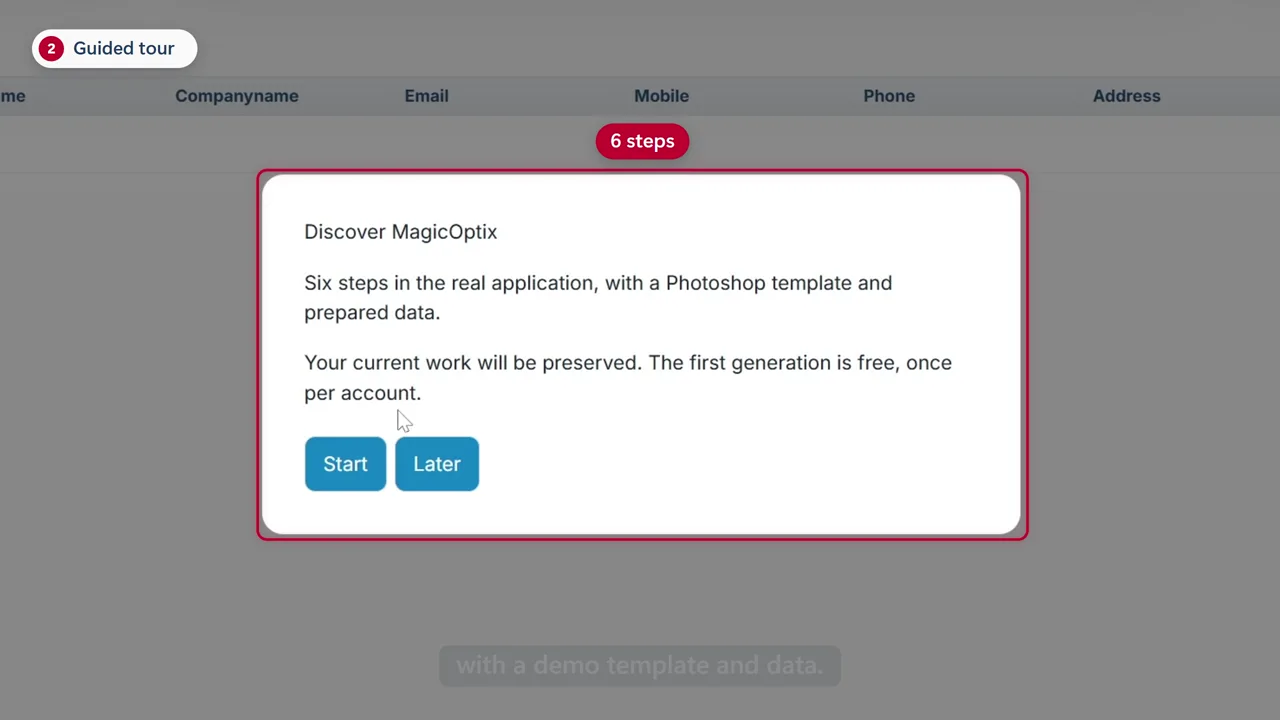
02Try the guided tour
Start the tour, select its demo template and import the data and photos. Run the production and inspect the finished designs in the results center.
 Enlarge ⤢
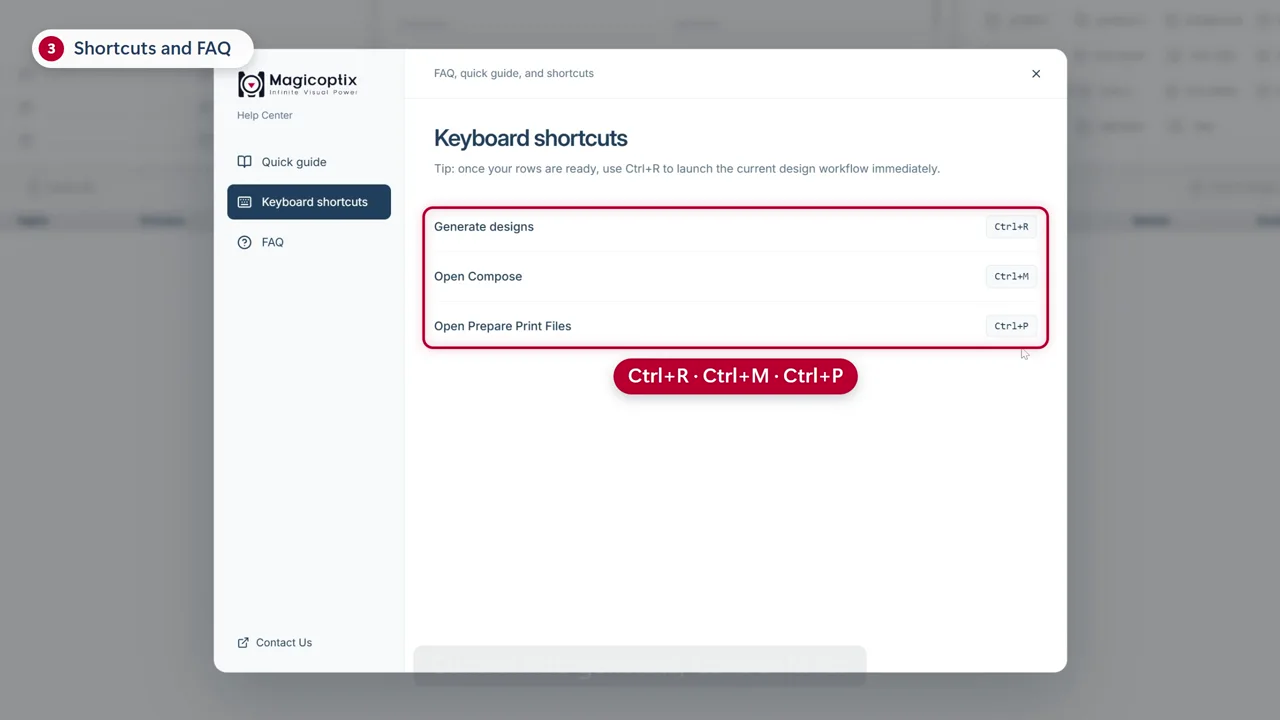
03Find a shortcut
Open Keyboard shortcuts to find Ctrl R for generation, Ctrl M for Compose and Ctrl P for print preparation. Check the FAQ for common questions.
 Enlarge ⤢