
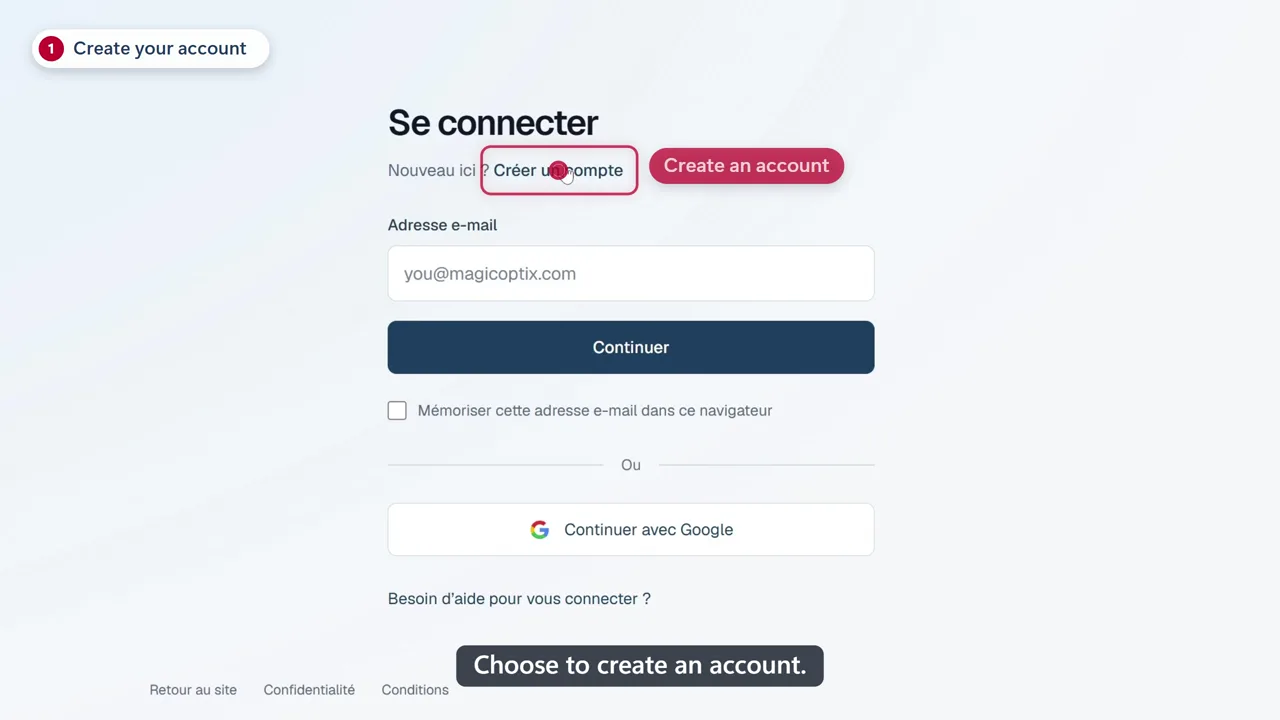
01Create your account
On the website, open sign-in and create an account with your email, phone number and a password of at least ten characters. Confirm your address with the six-digit email code.
 Enlarge ⤢
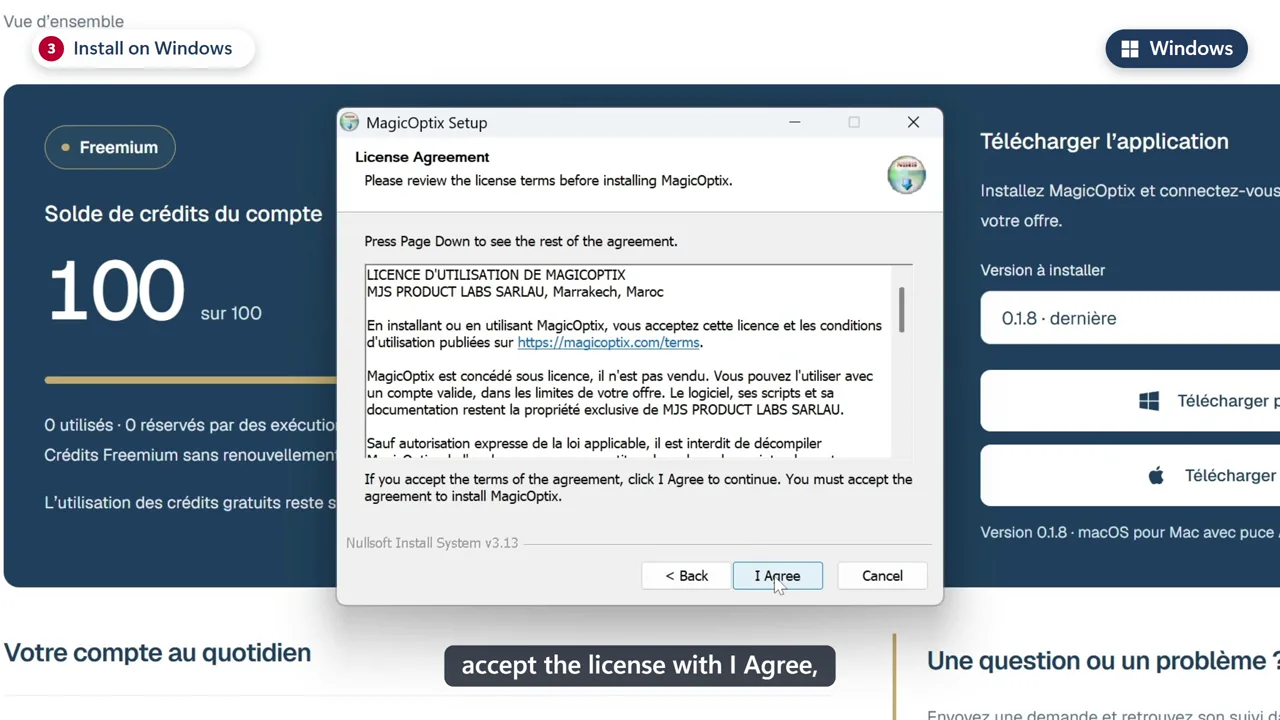
02Install on Windows
Download the Windows installer from your customer area. Open it, accept the license and check the destination folder.
 Enlarge ⤢
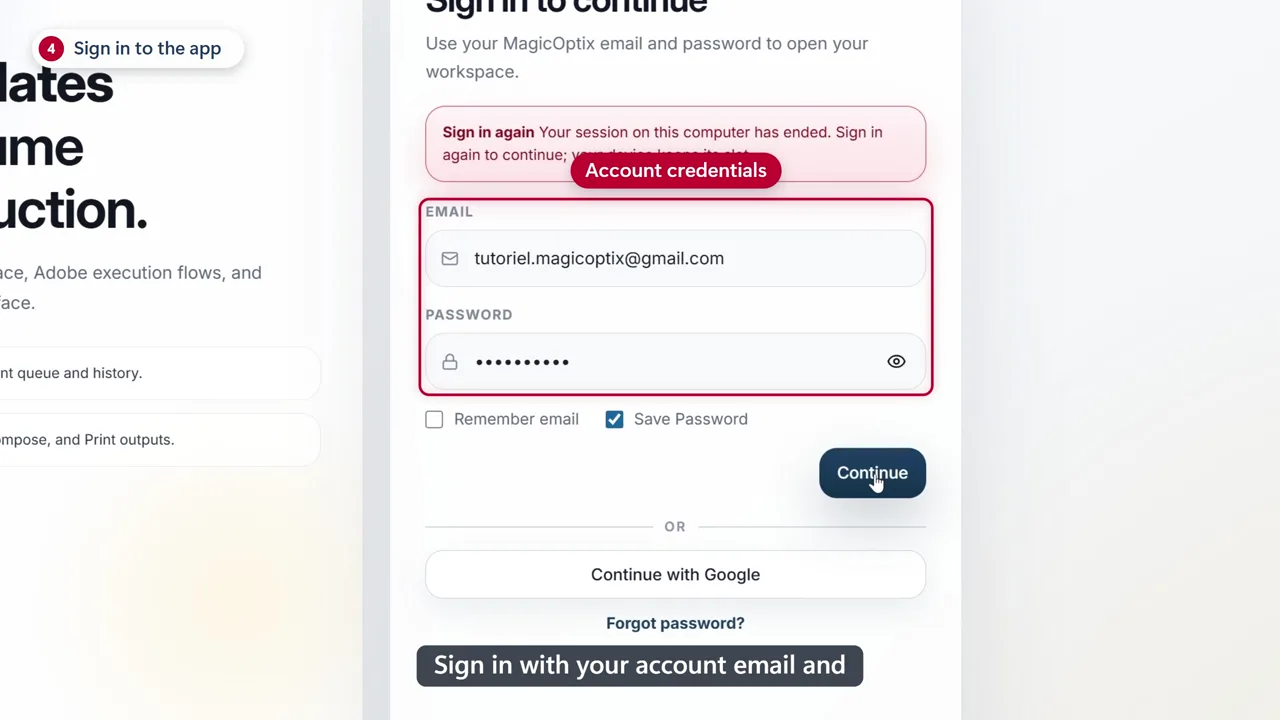
03Sign in
Leave Run MagicOptix checked and finish installation. Sign in with your account or Google, then start or postpone the guided tour.
 Enlarge ⤢