
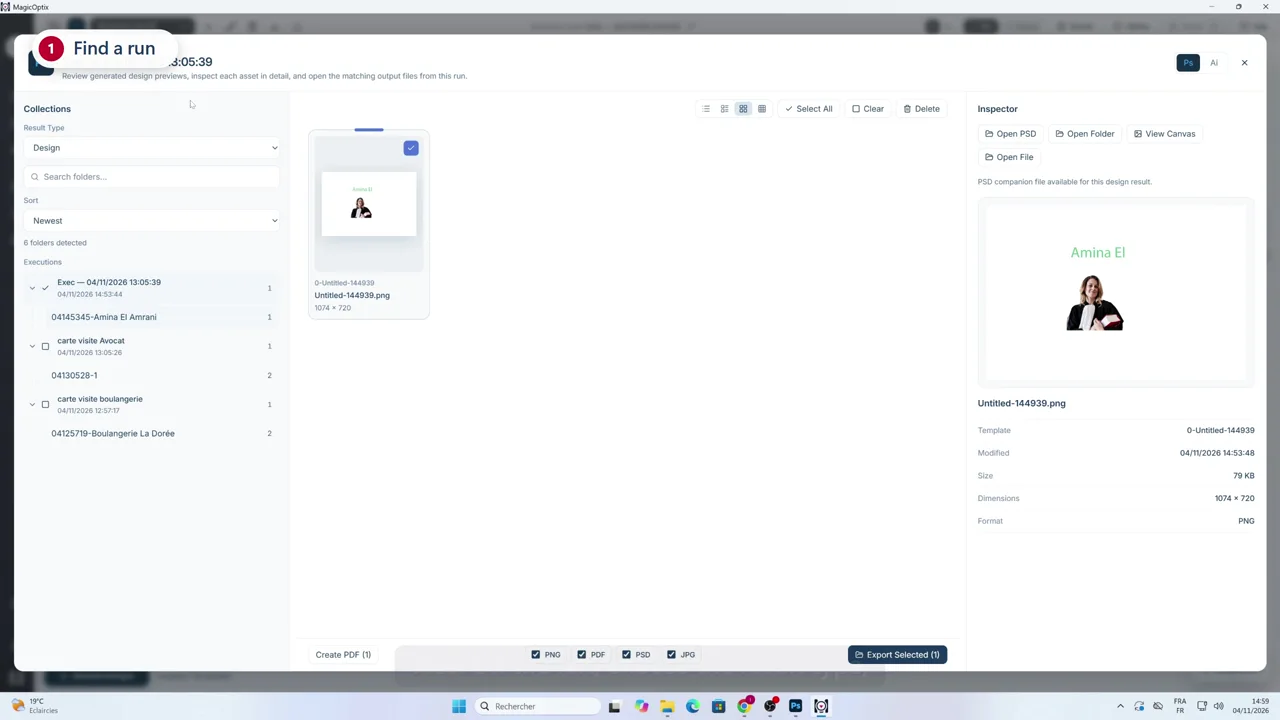
01Select a run
In the results center, choose Design, Compose or Print, then select a run.
 Enlarge ⤢
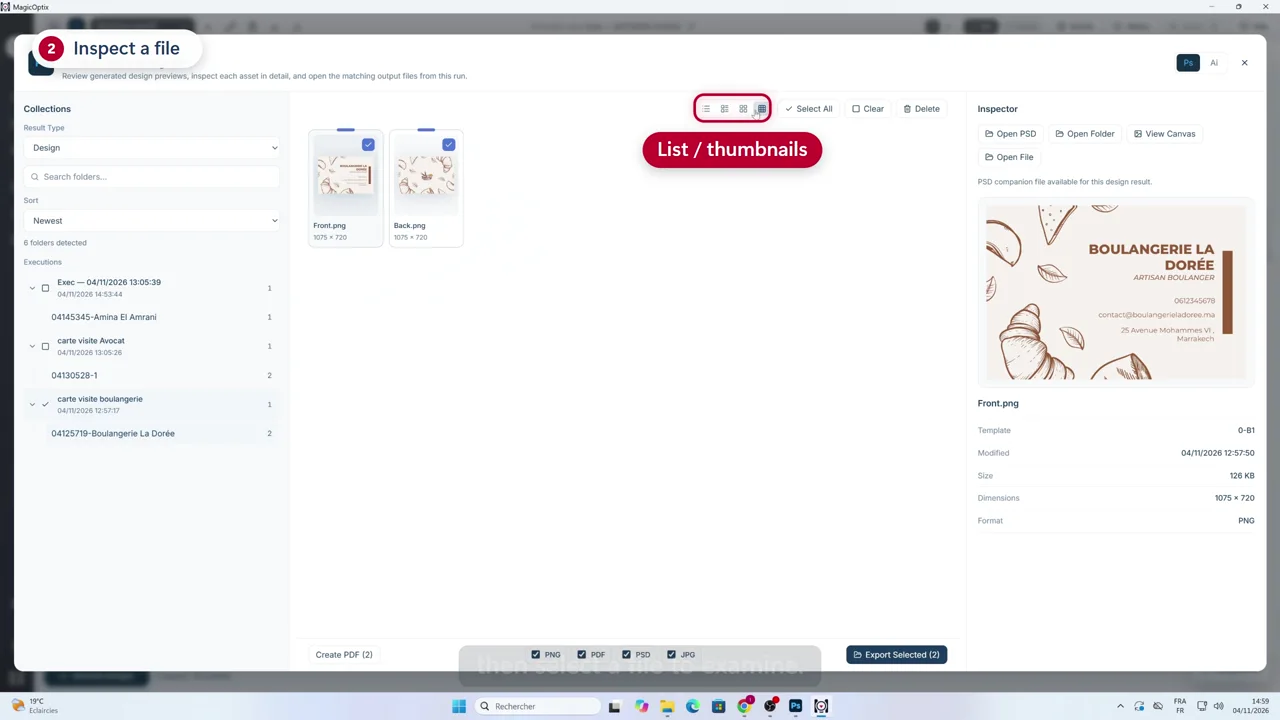
02Inspect a file
Switch between list and thumbnail views and select a file. Inspect its details, open its PSD in Photoshop or use View Canvas for a larger preview.
 Enlarge ⤢
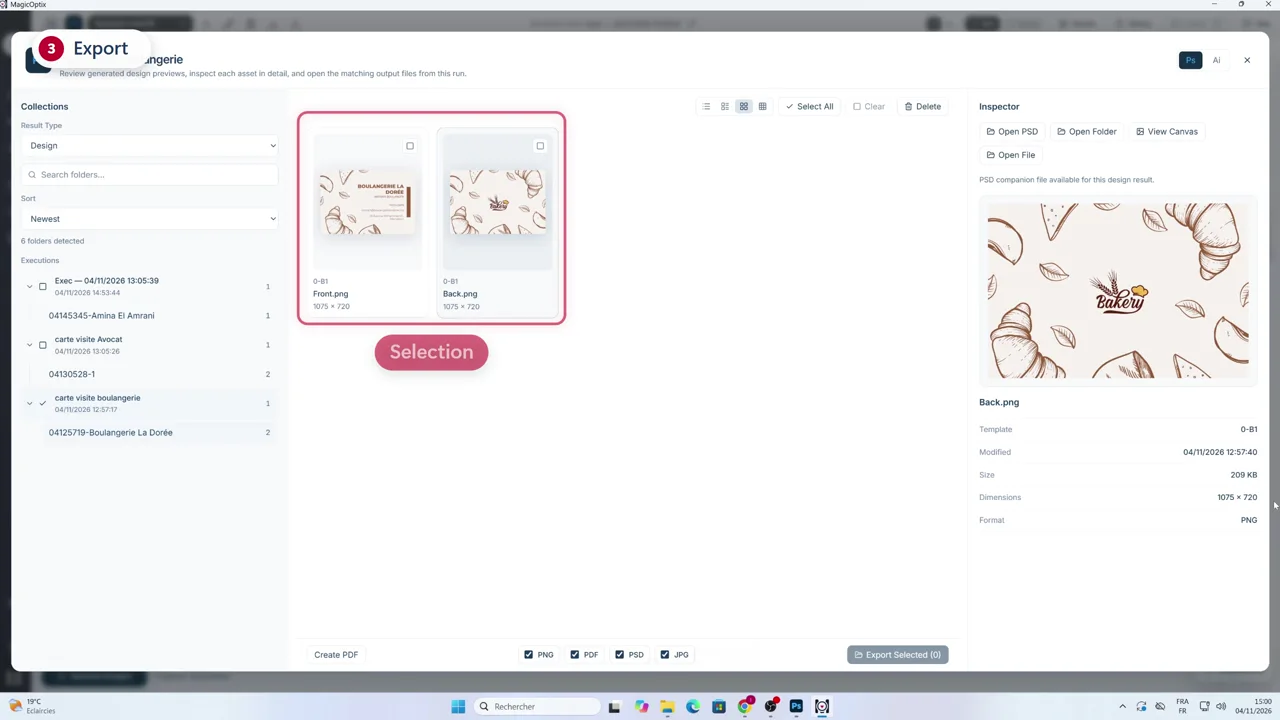
03Export selected files
Check the outputs and formats you need. Click Export Selected to copy the generated files.
 Enlarge ⤢